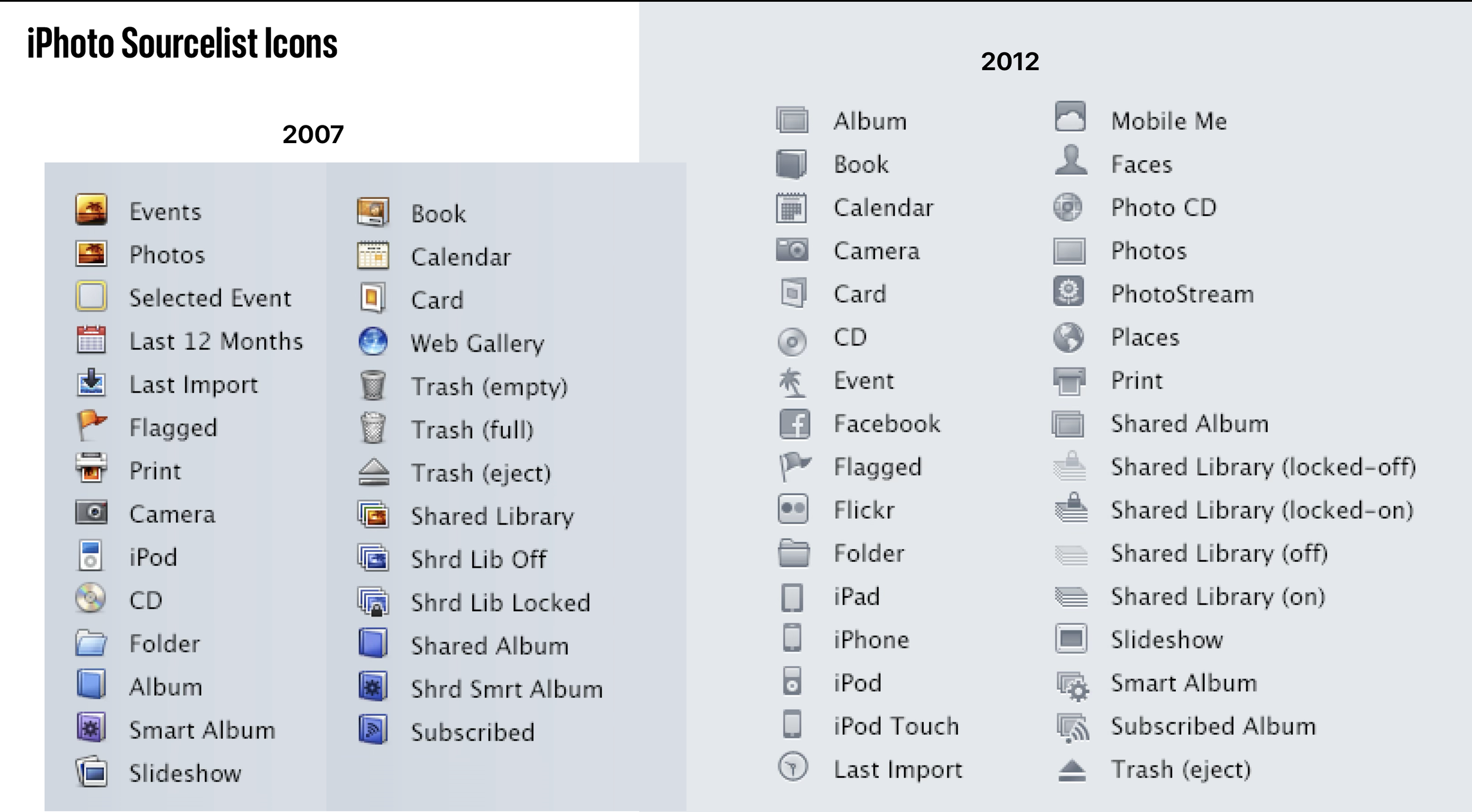
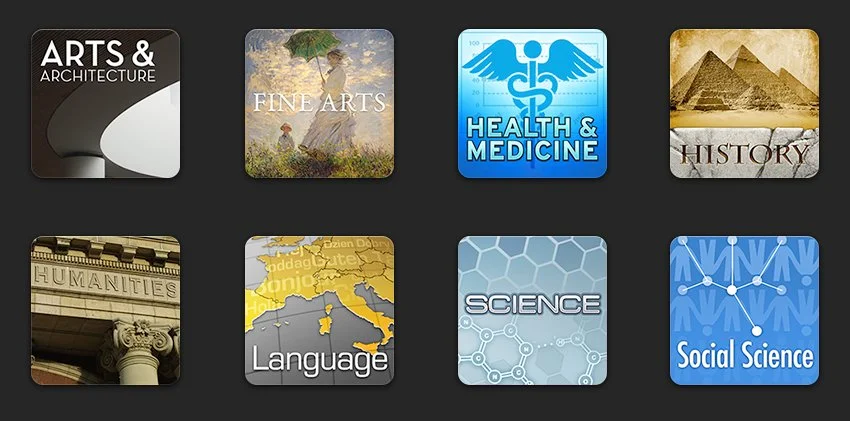
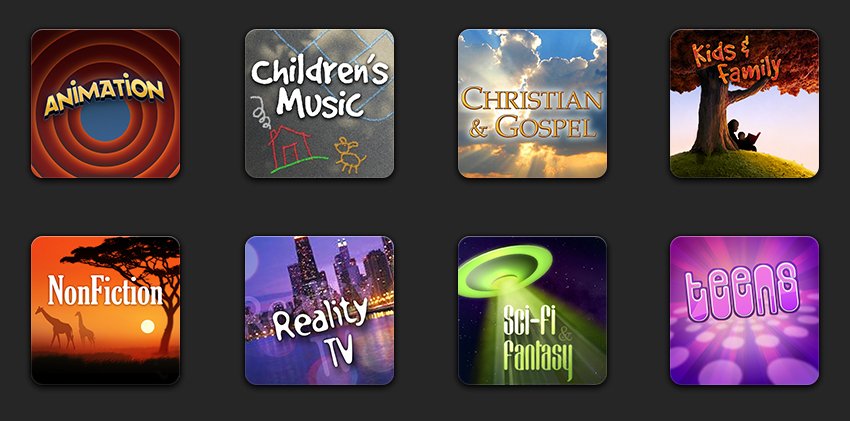
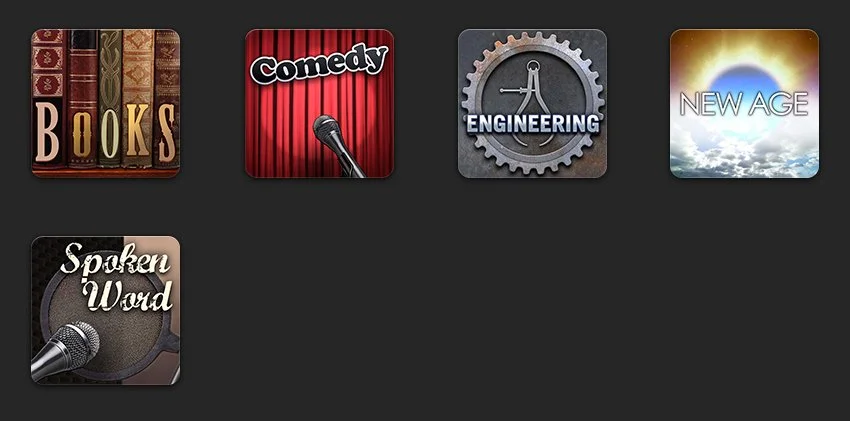
Artwork for various genres in iTunes. Some were for audiobooks, some were for other media.
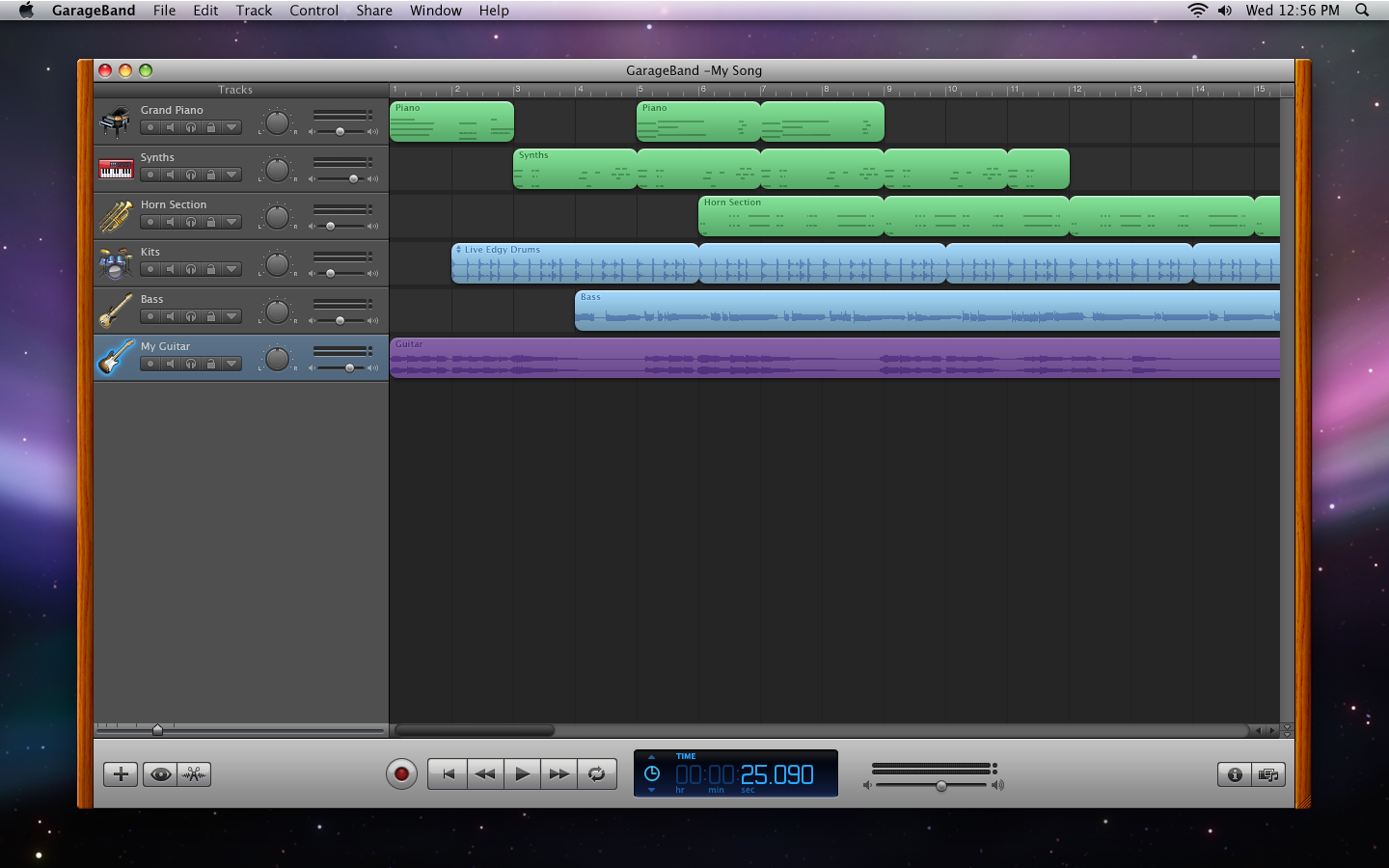
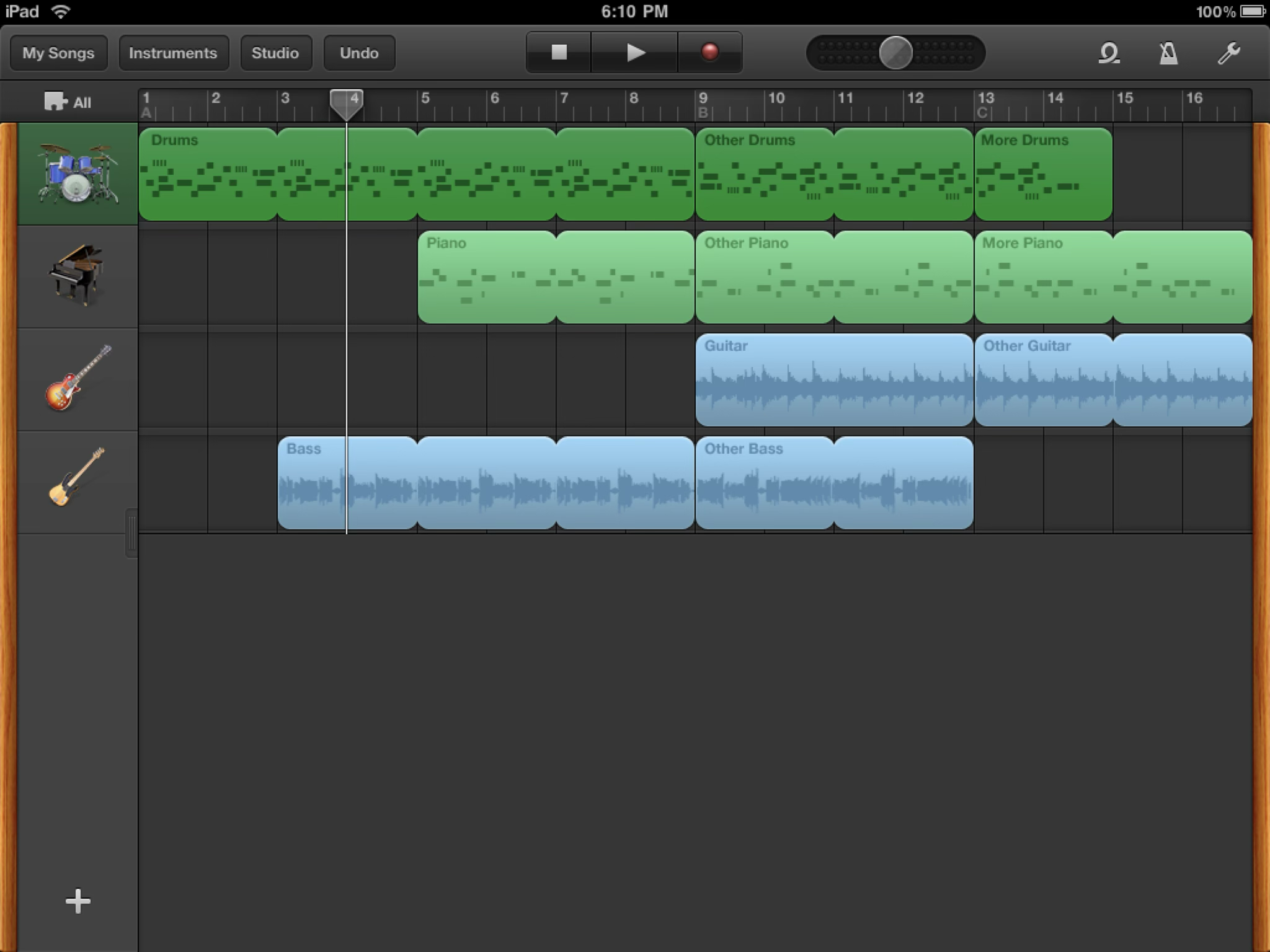
Much of my time on the iLife team was spent working on GarageBand. I worked with some very talented designers who were based in Germany, as part of the original eMagic team.
Version 5.
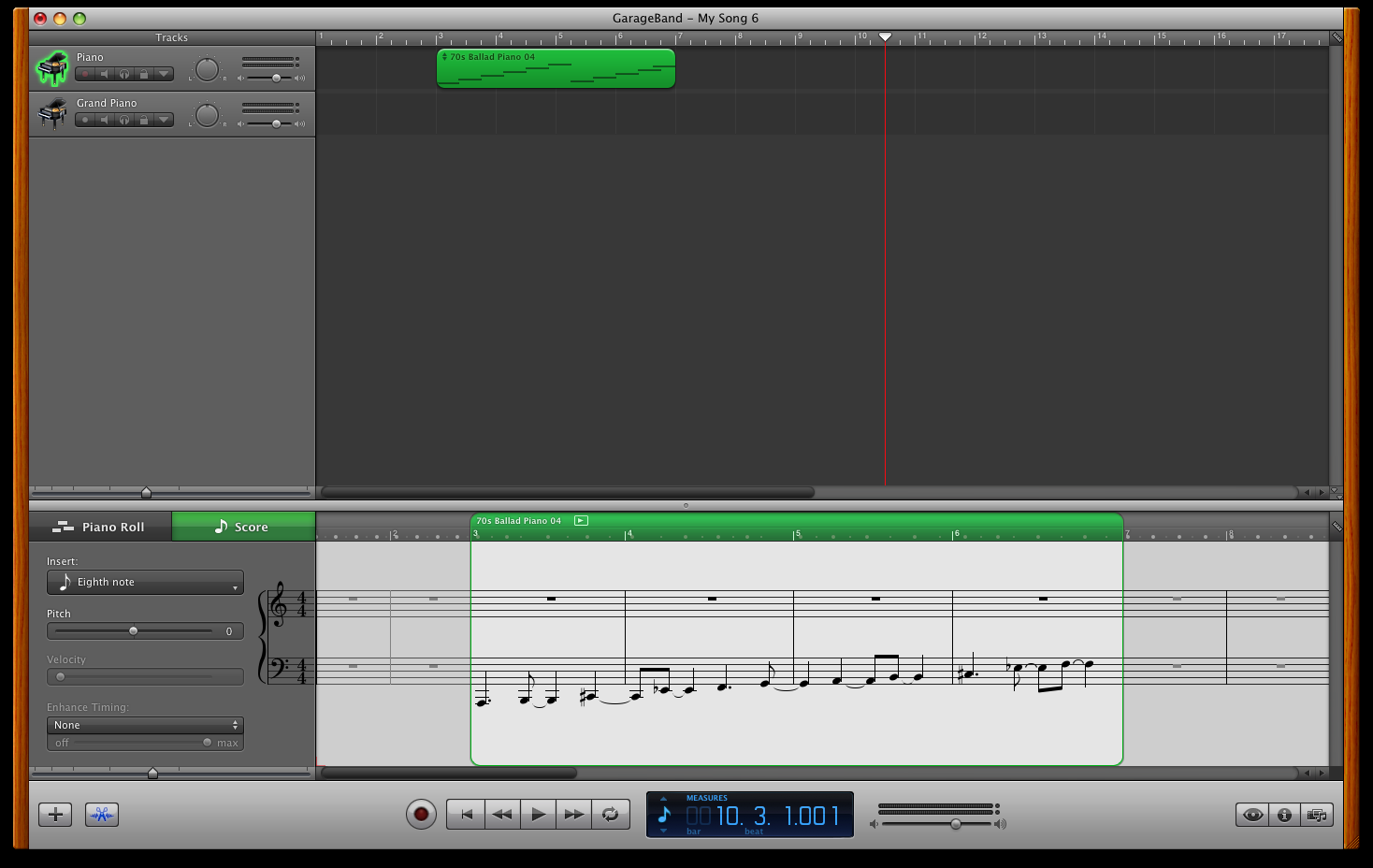
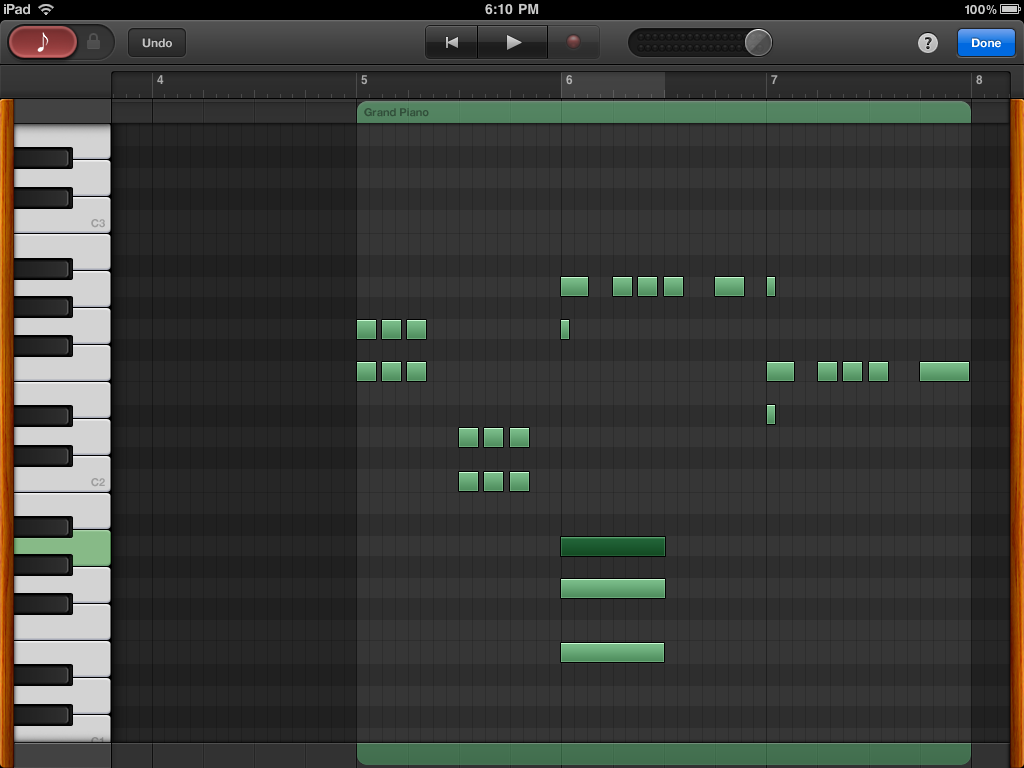
Notation editor.
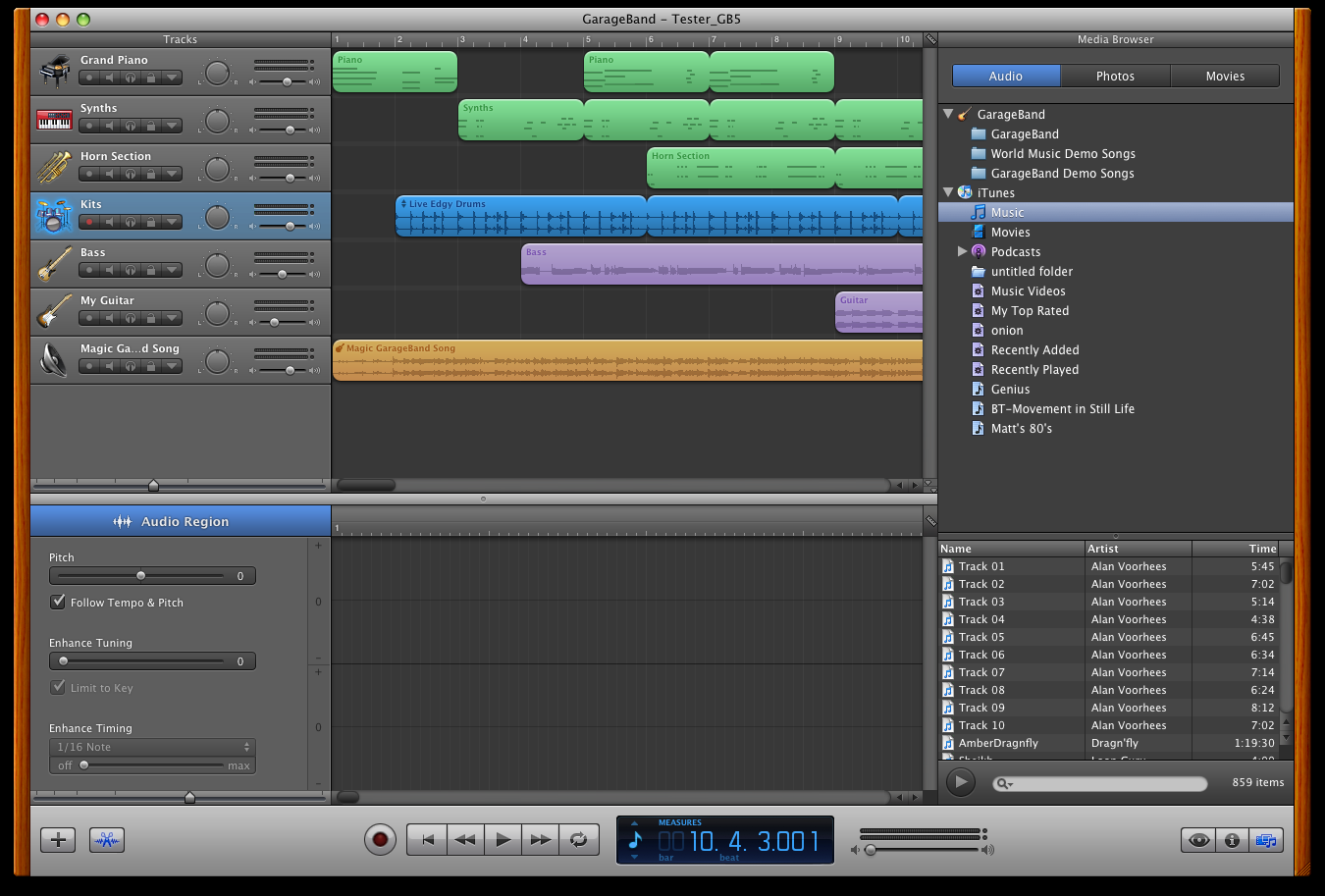
Media Browser.
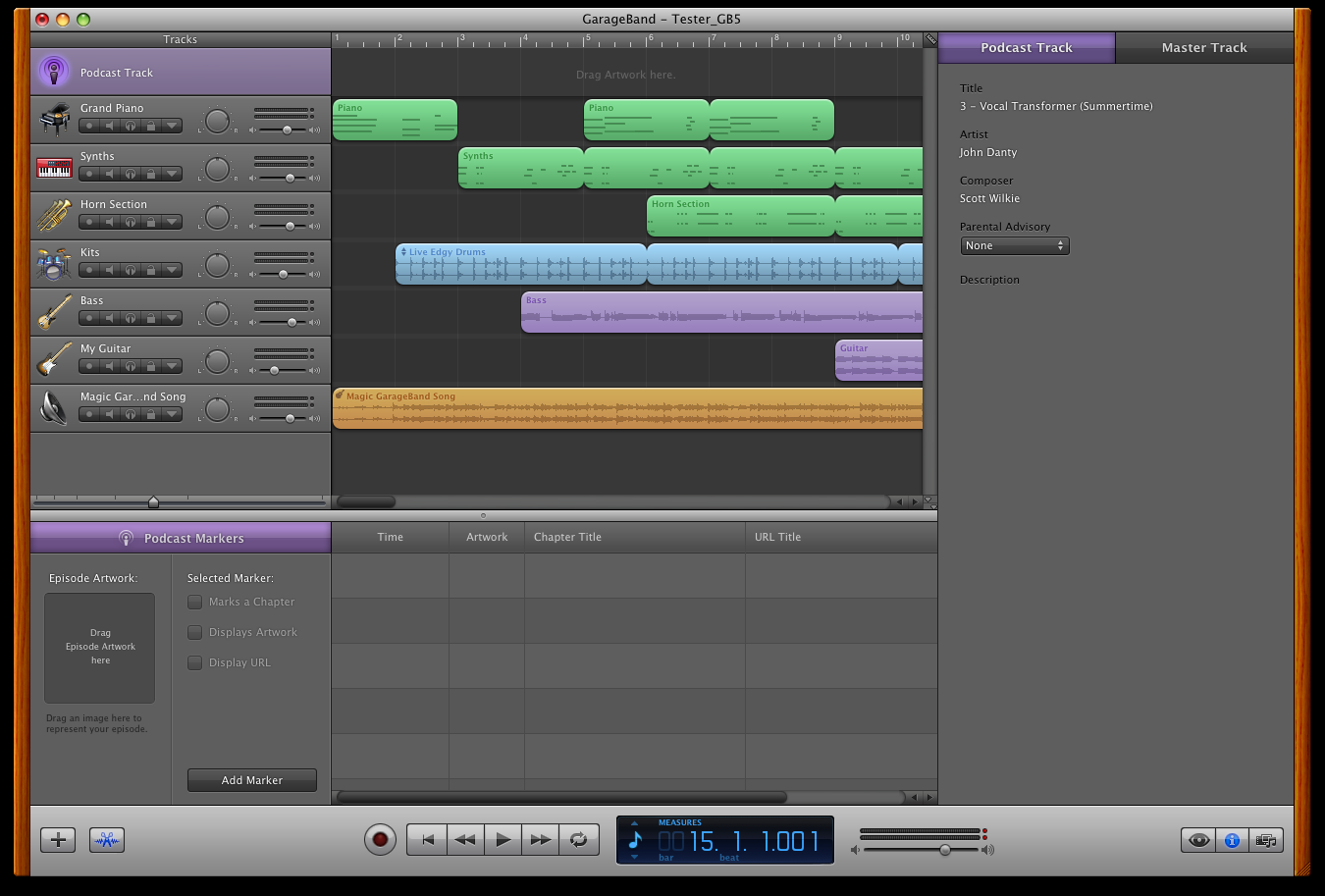
Podcast editor.
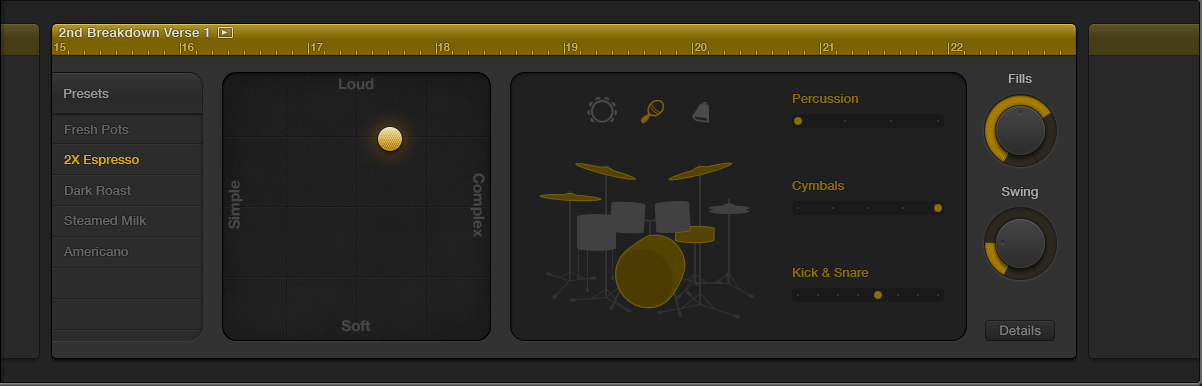
Drummer allowed users to select a character within a genre of music and have “someone” accompany the song on the fly, reacting and adapting without needing a lot of input. If they wanted to, users could tweak and adjust the drummer’s playing style.
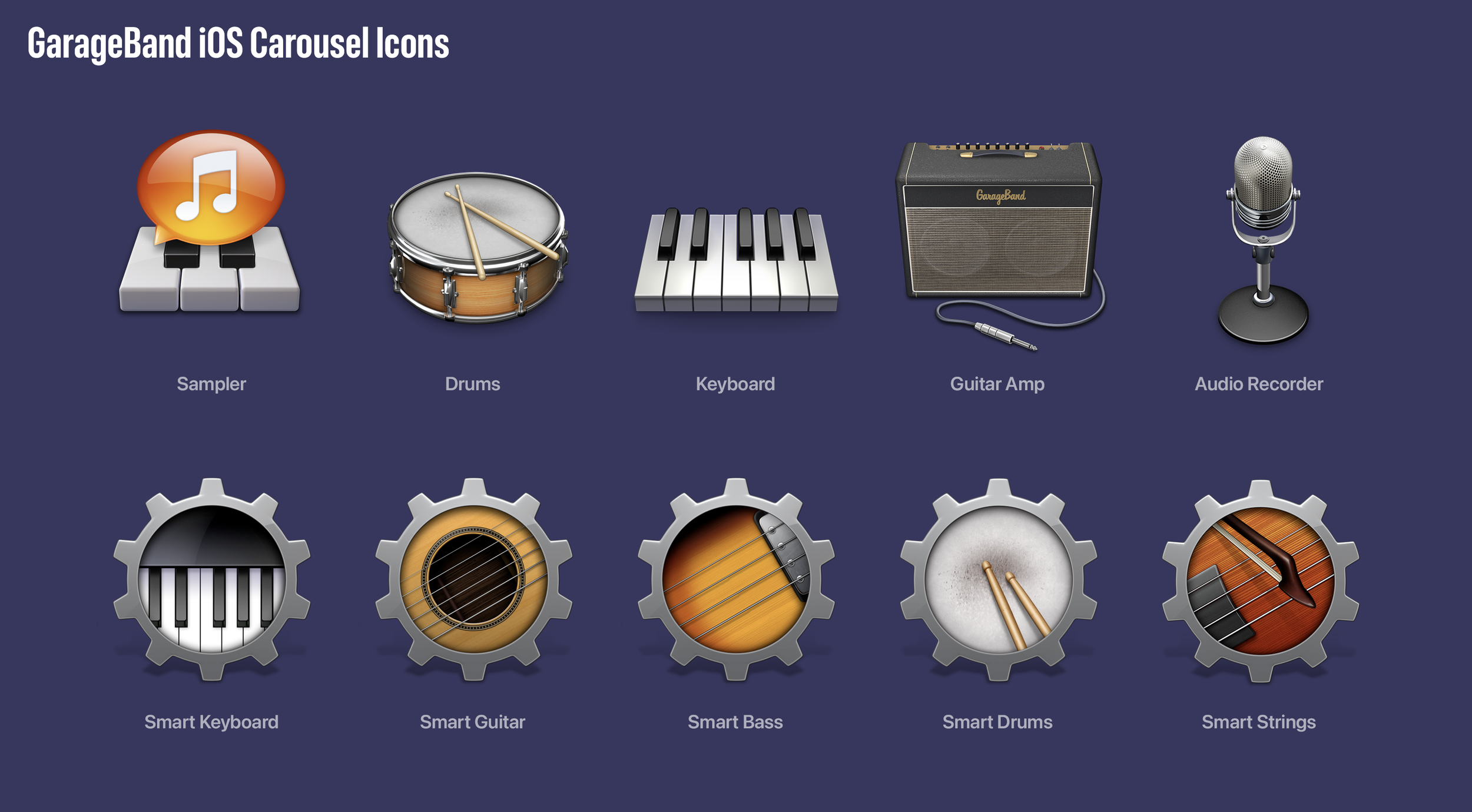
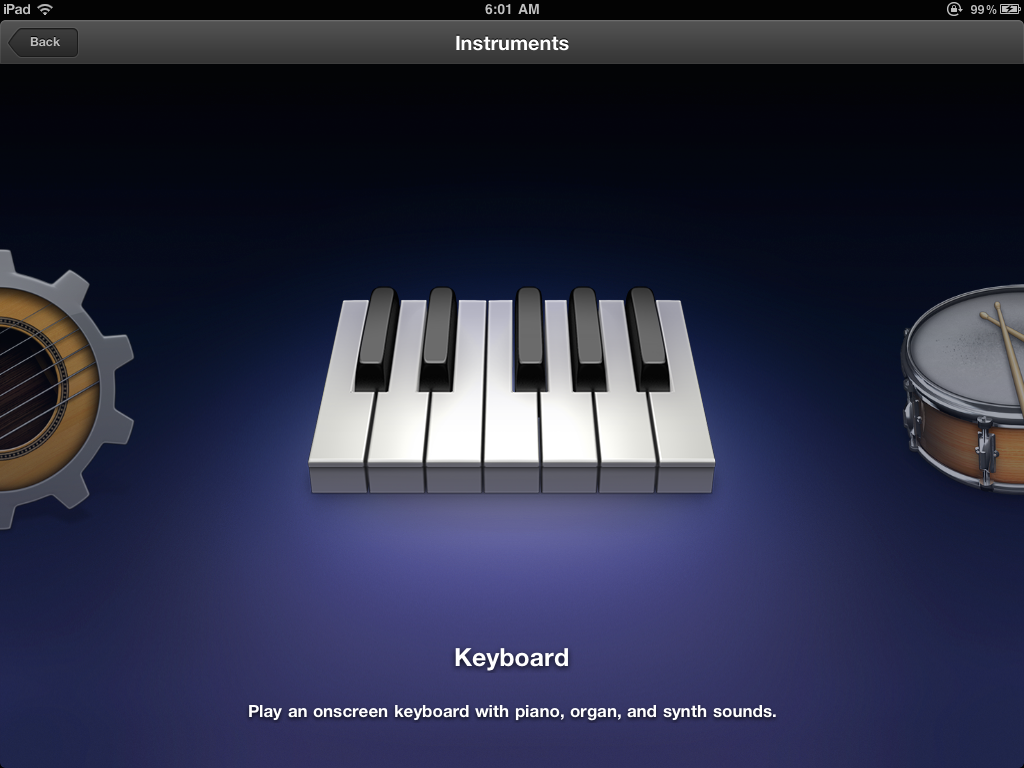
The Instrument Carousel.
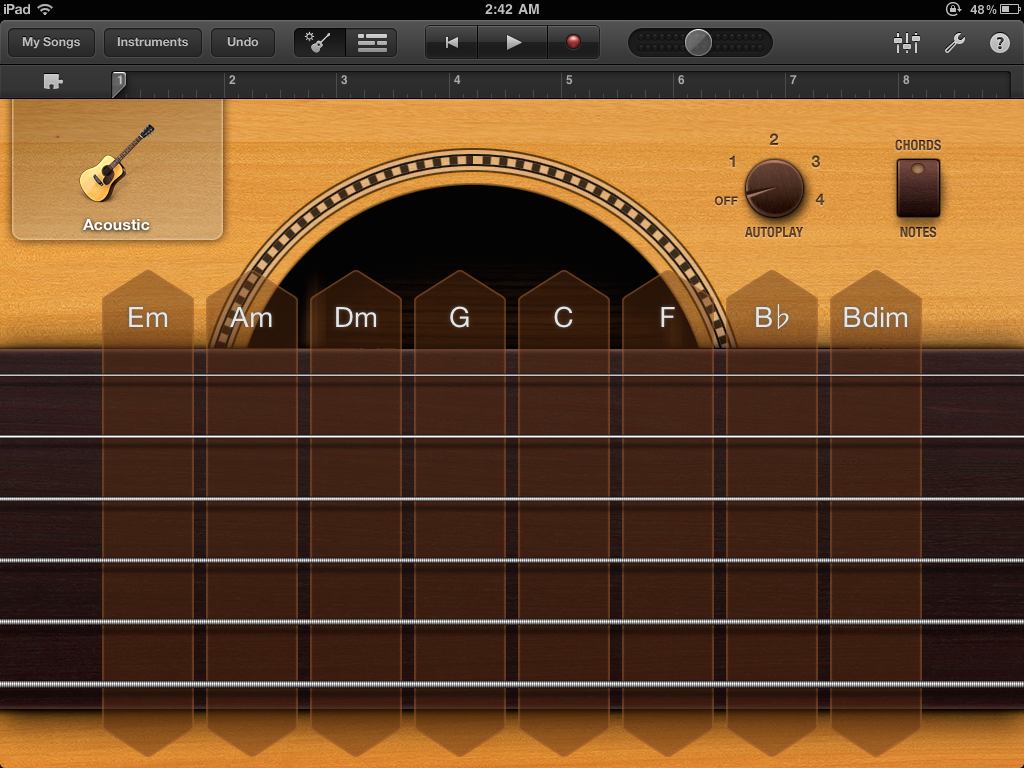
Acoustic Smart Guitar, Chords view.
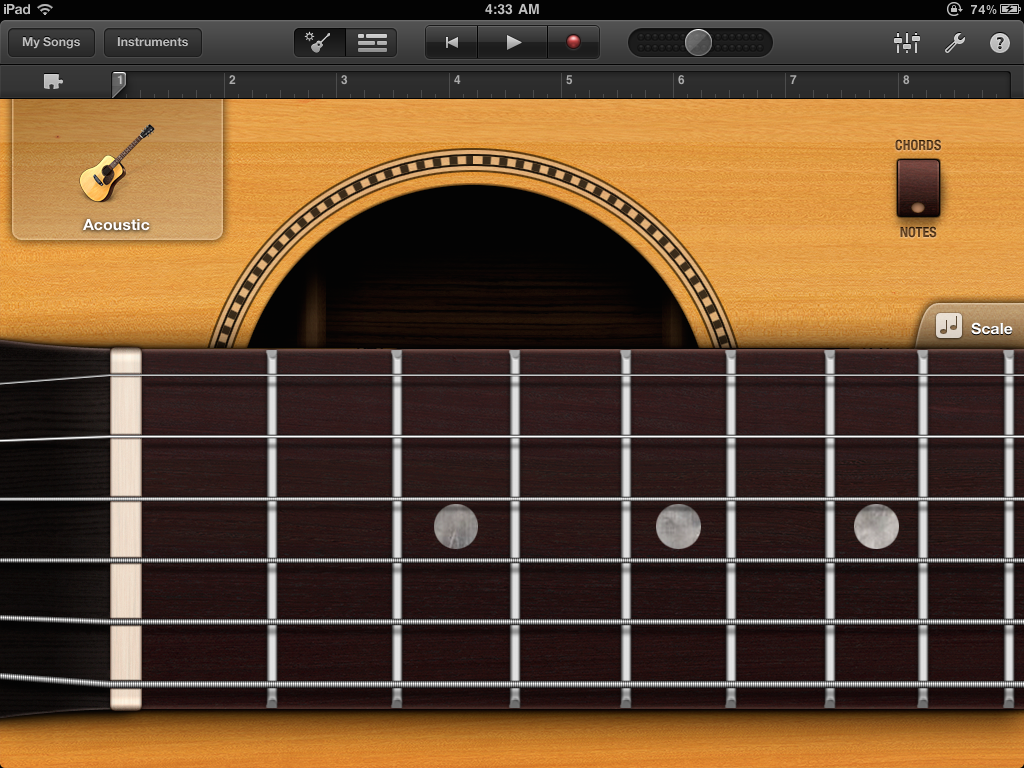
Acoustic Smart Guitar, Notes view.
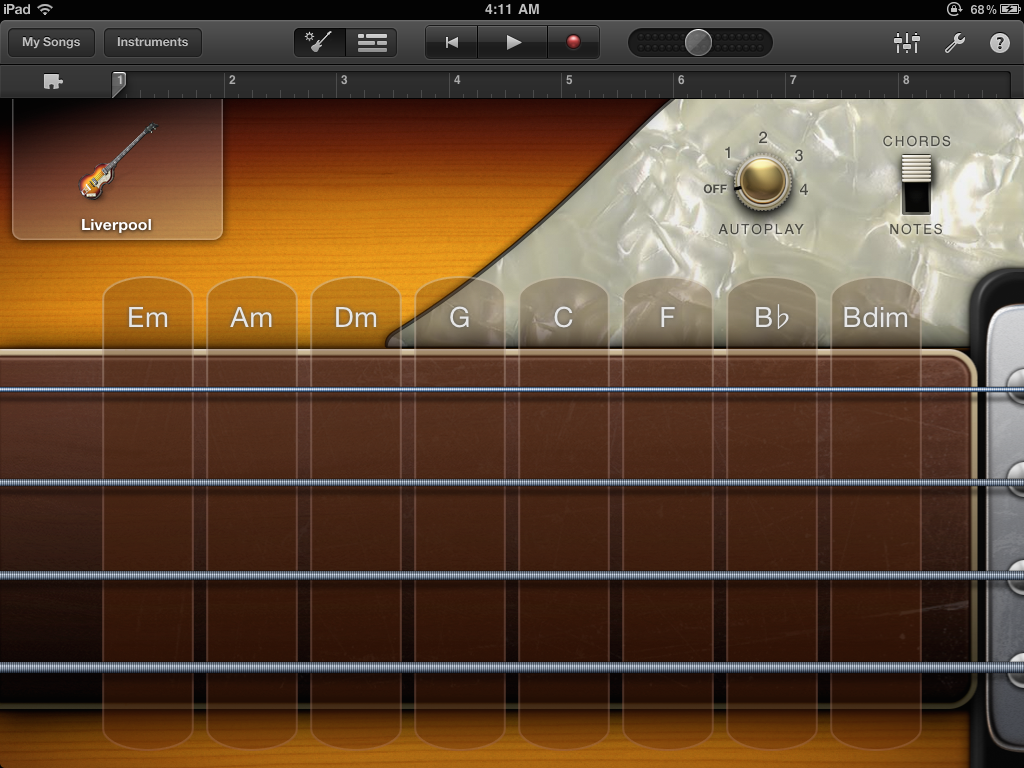
Smart Bass: Liverpool, Chords view.
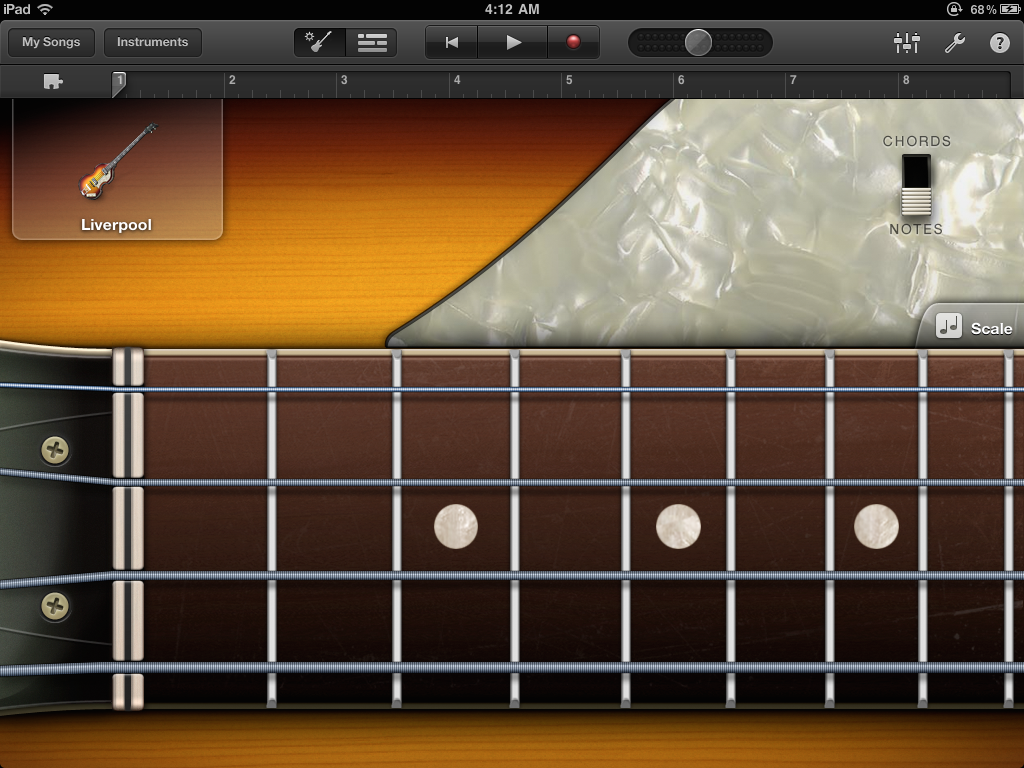
Smart Bass: Liverpool, Notes view.
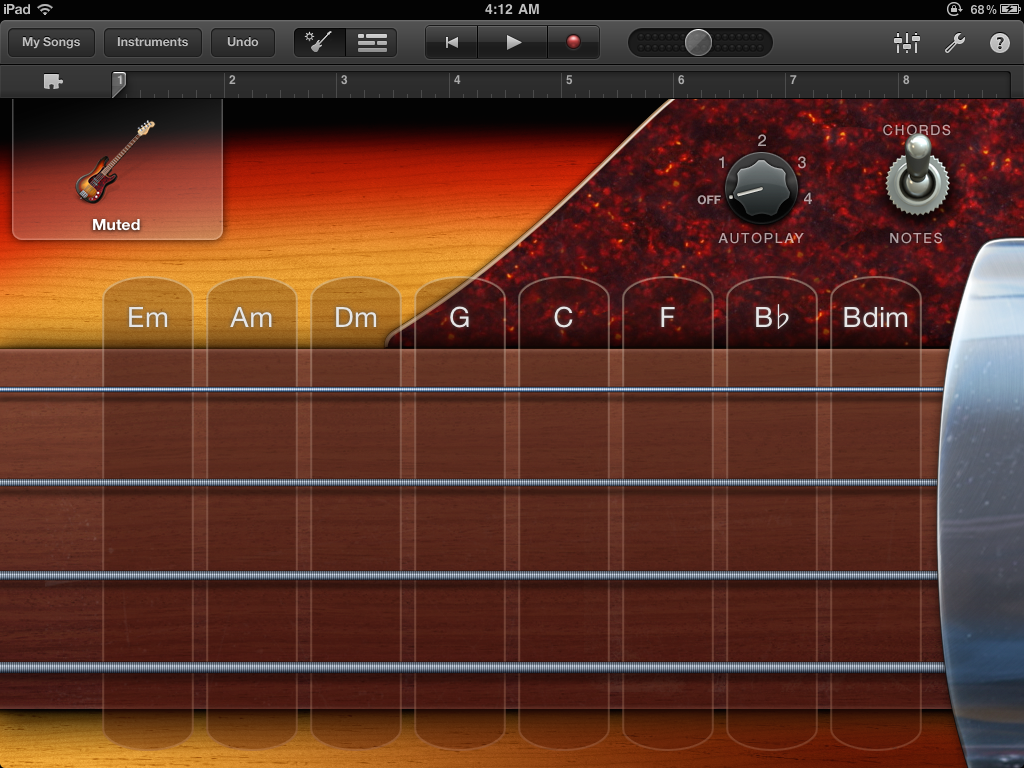
Smart Bass: Fender, Chords view. A lot of the fun on this project came from creating textures for the metal and lacquered surfaces.
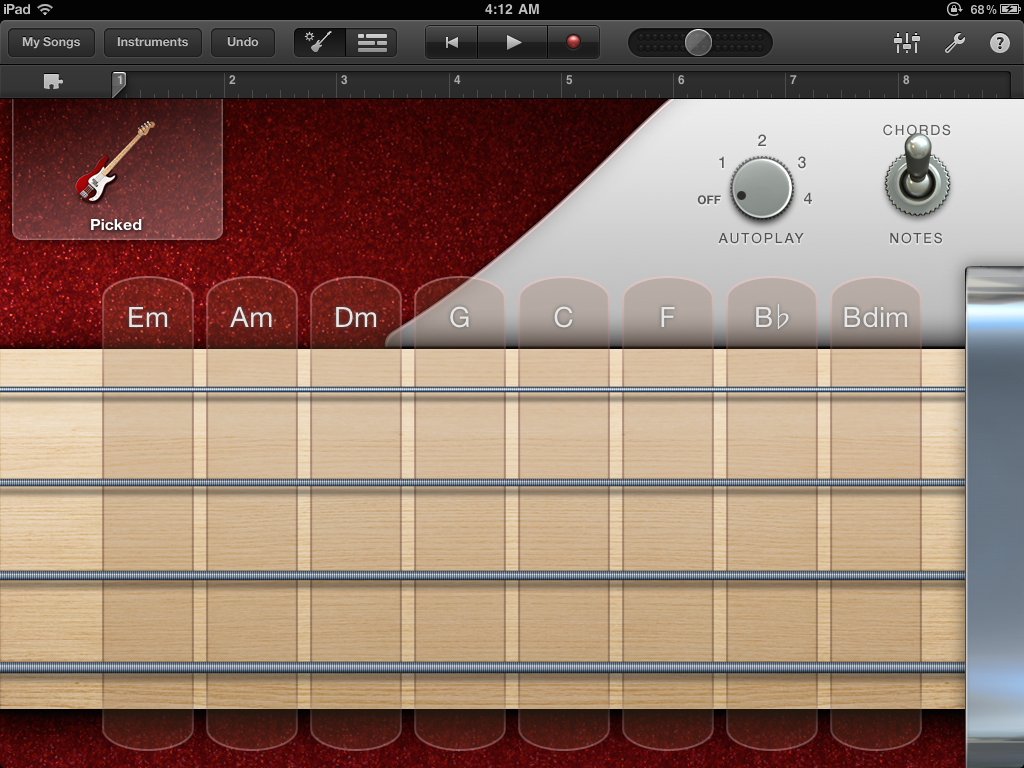
Smart Bass: Picked, Chords view.
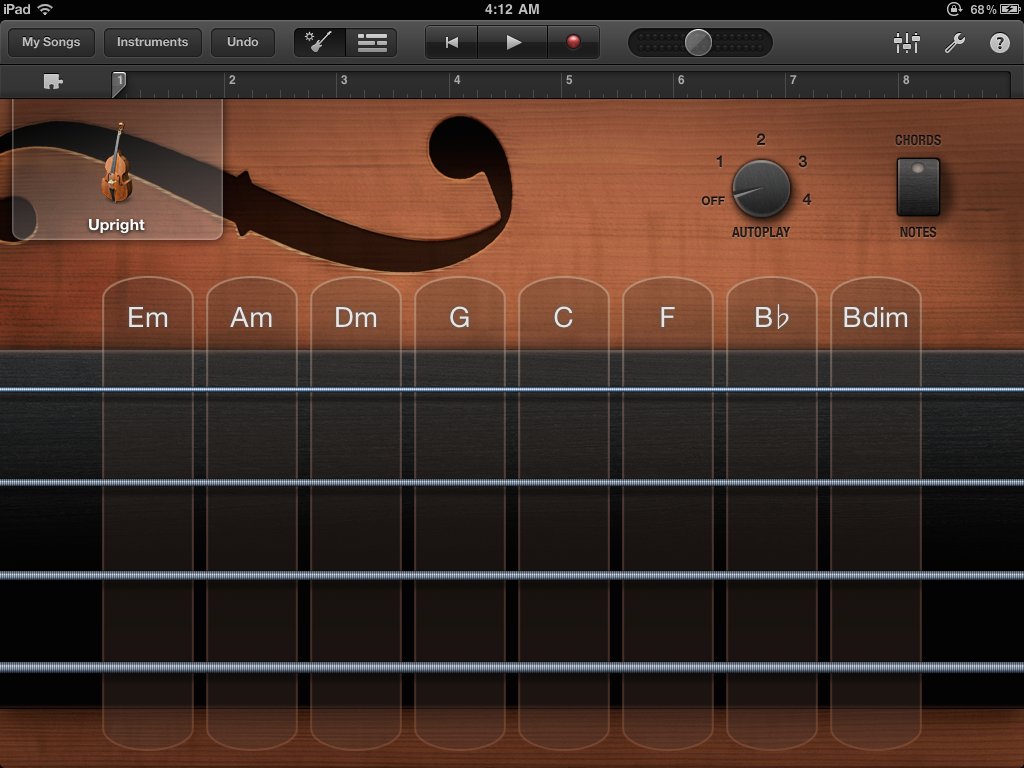
Smart Bass: Upright, Chords view.
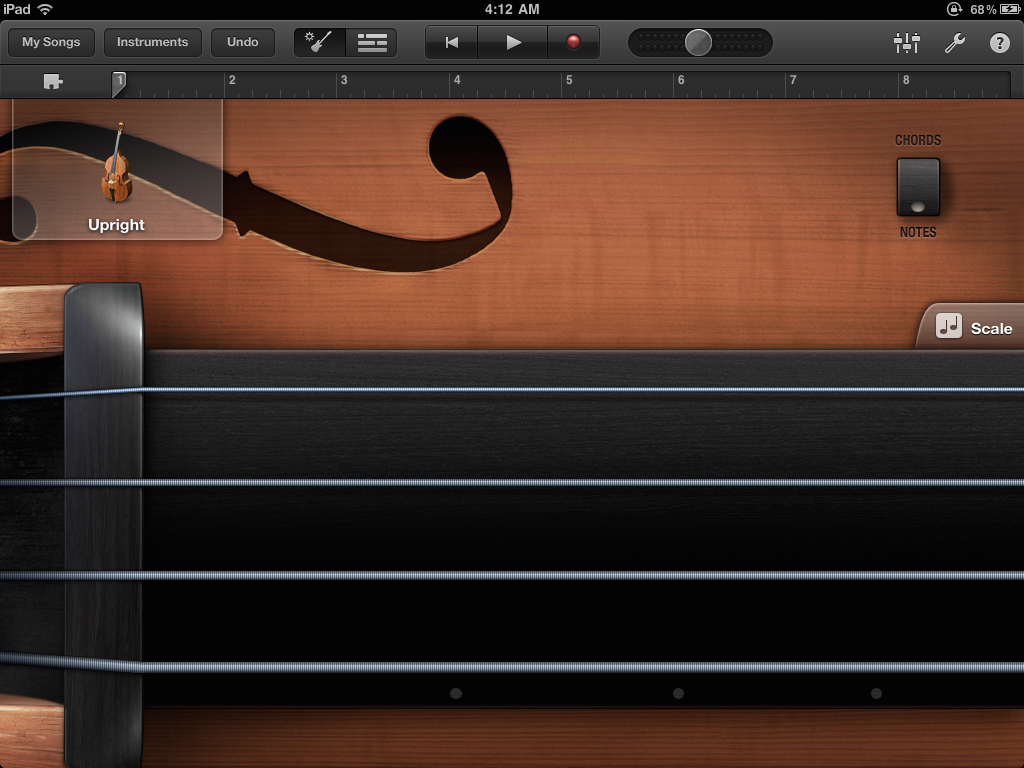
Smart Bass: Upright, Notes view.
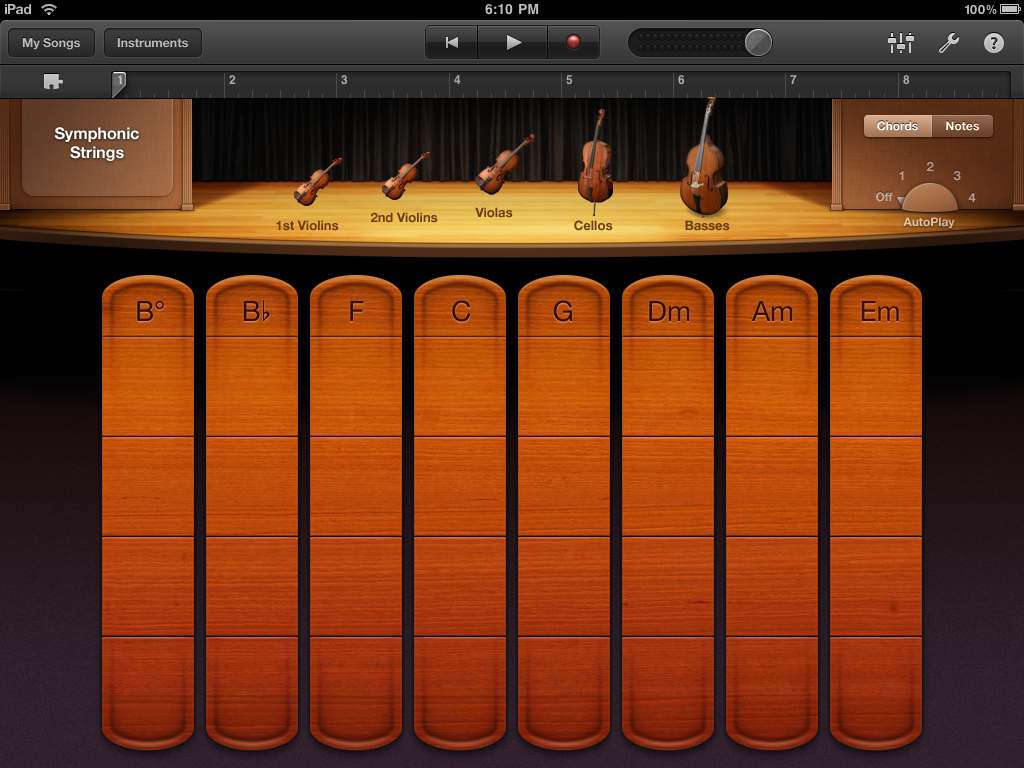
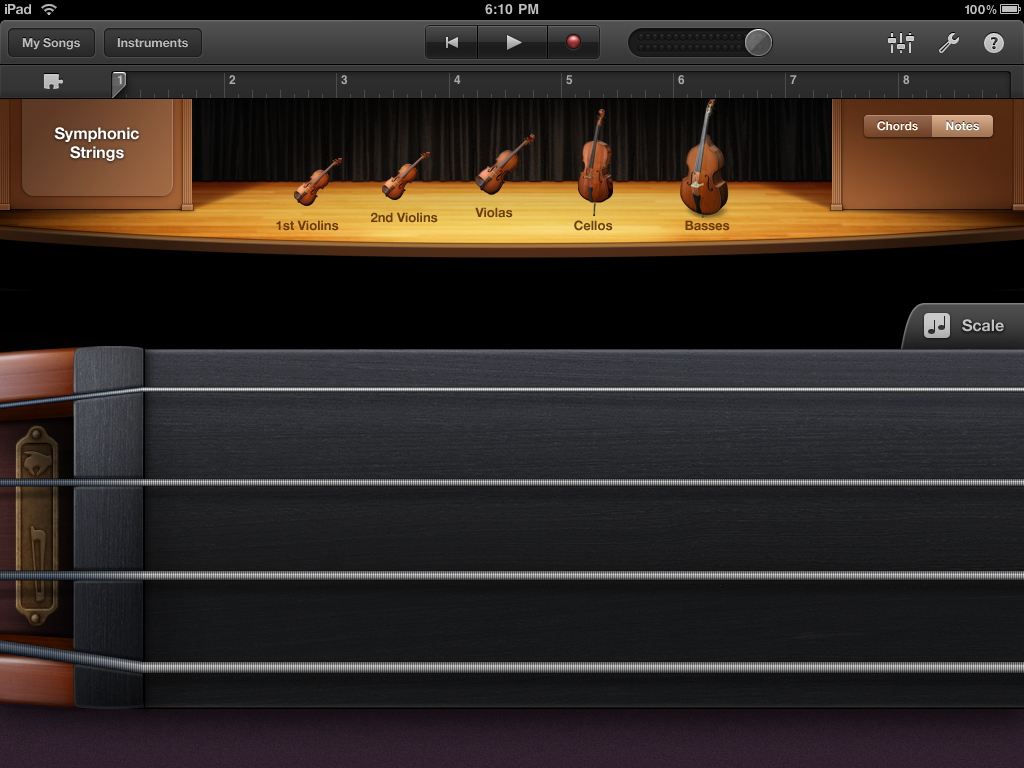
Smart Strings.
Smart Strings. The brass plate in the lower left provided access to a pizzicato (plucking) effect and a fluid, bowing effect.
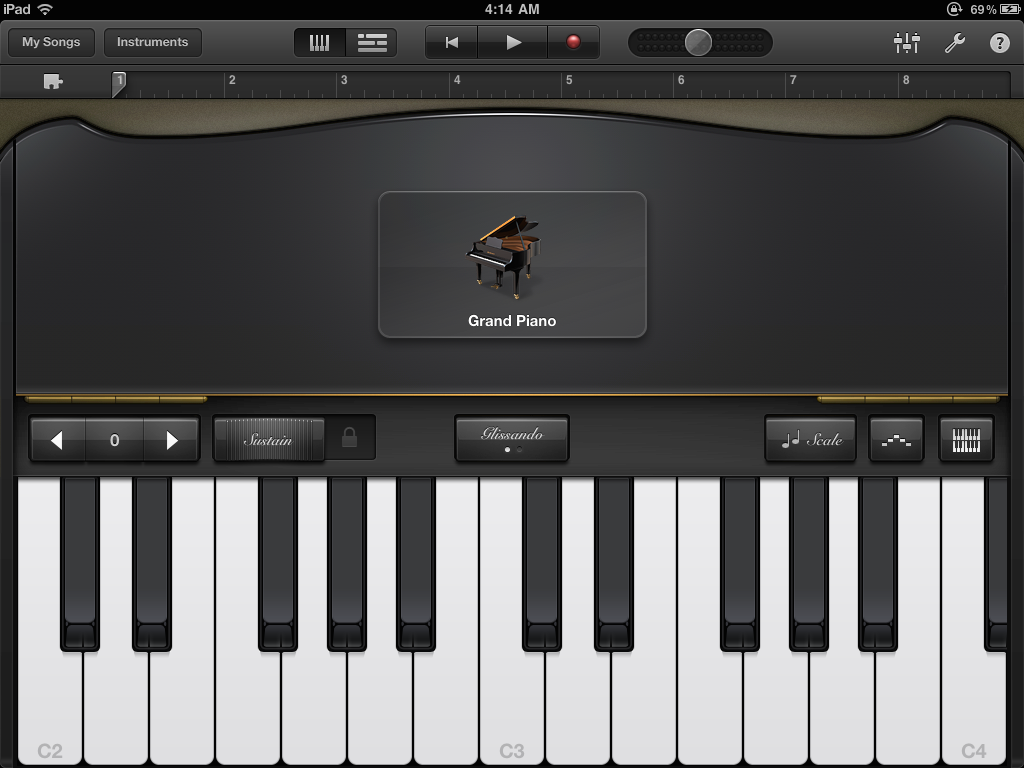
Classical keyboard.
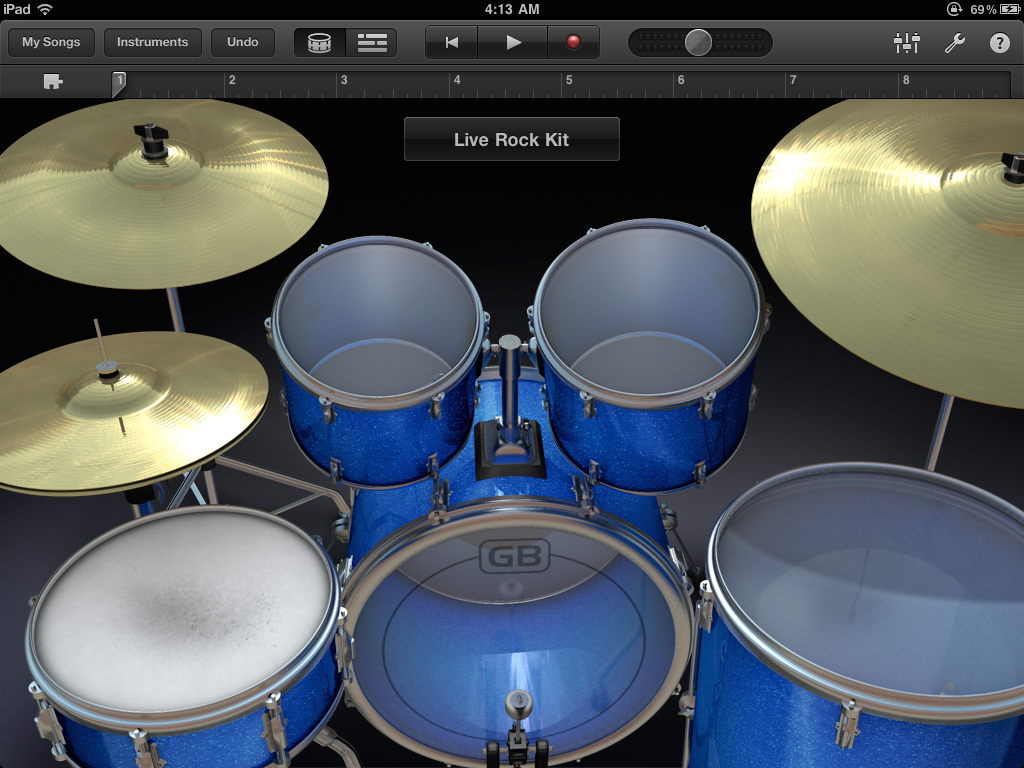
Drum Kit. They jostle when played, which makes them feel so much more physical and real.
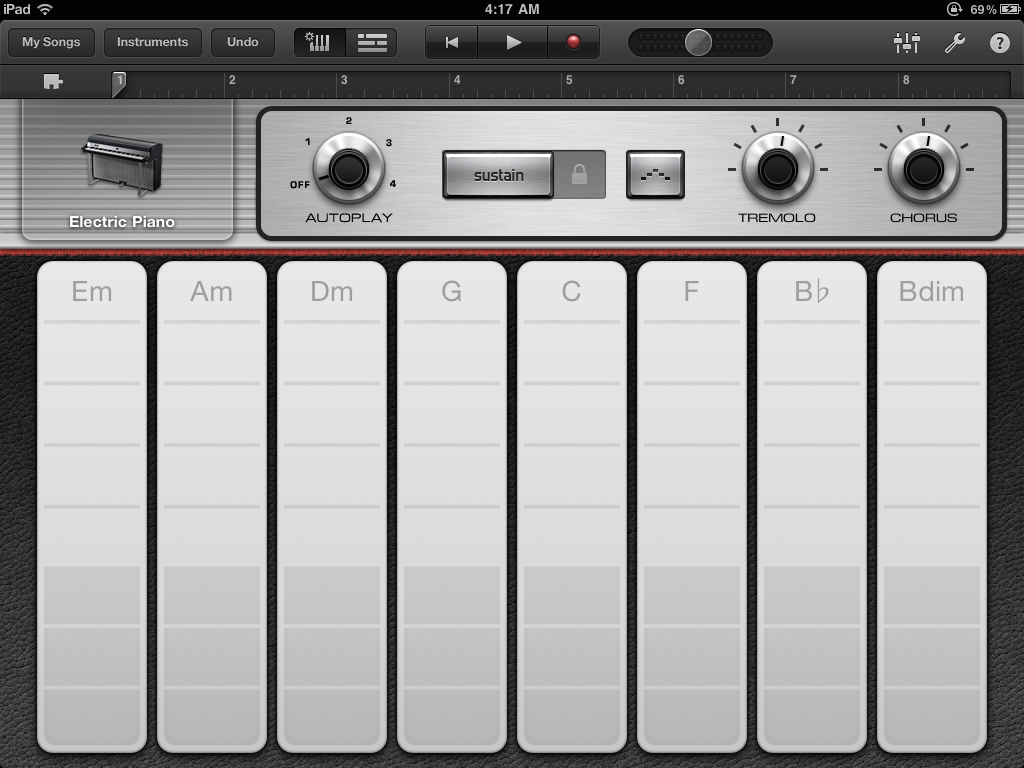
Rhodes Smart Keyboard.
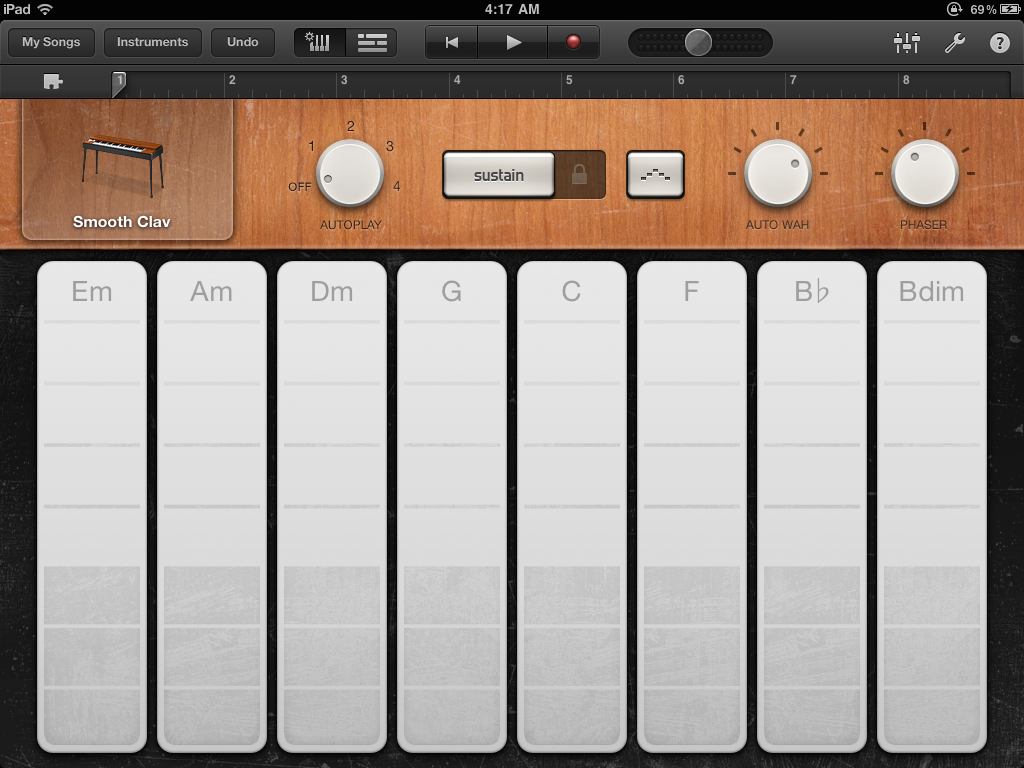
Clavinet Smart Keyboard.
Track editor.
Region editor.
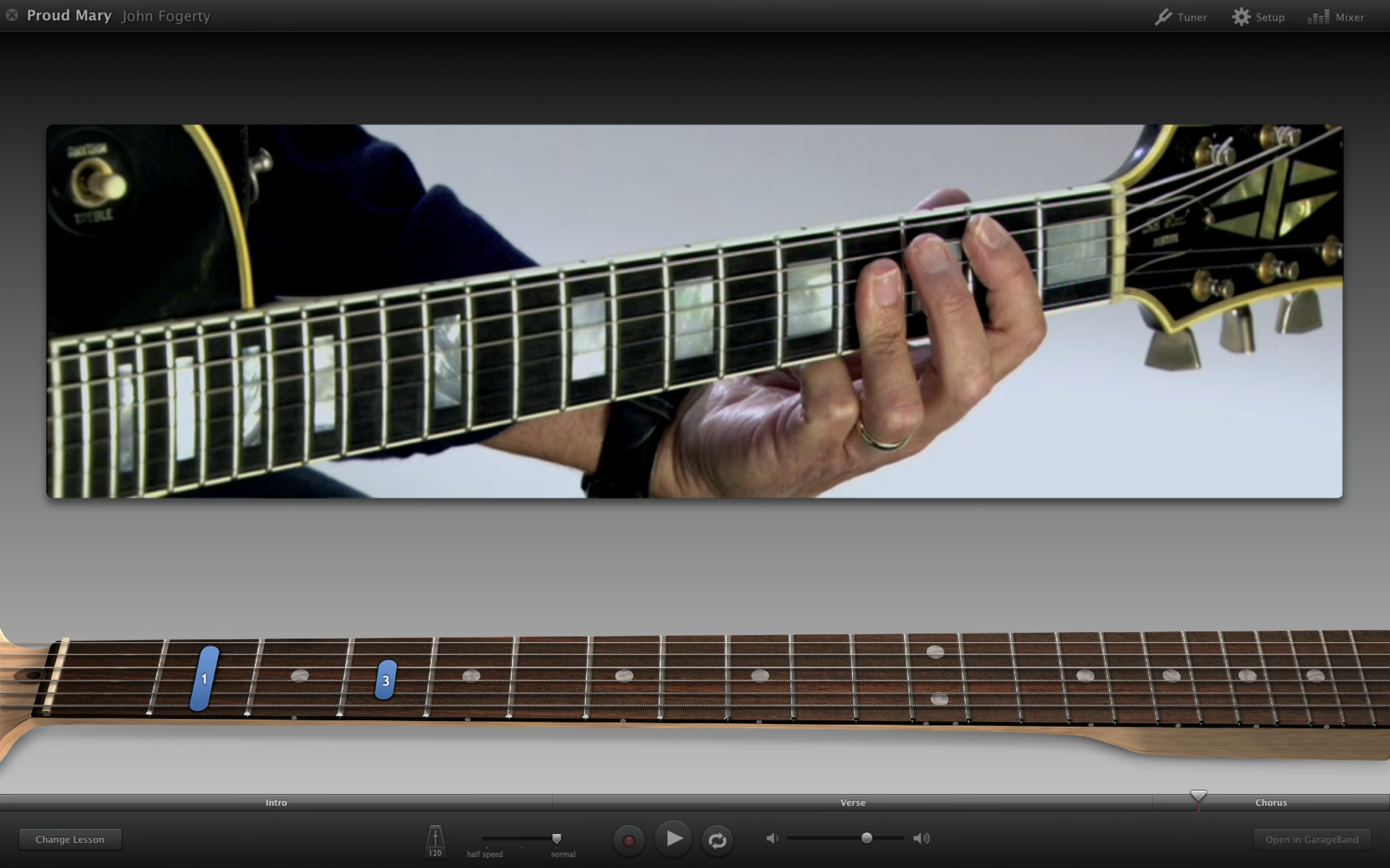
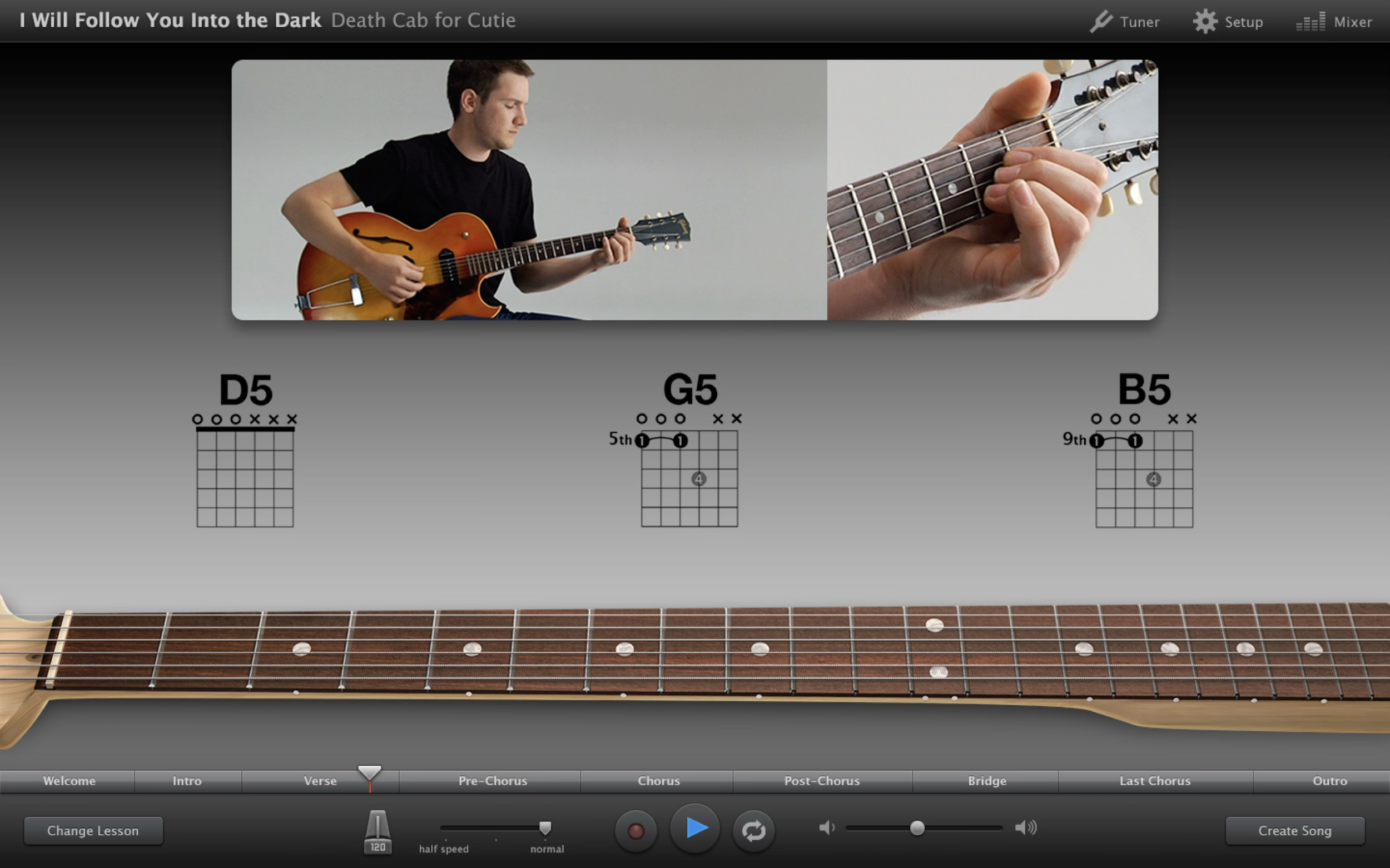
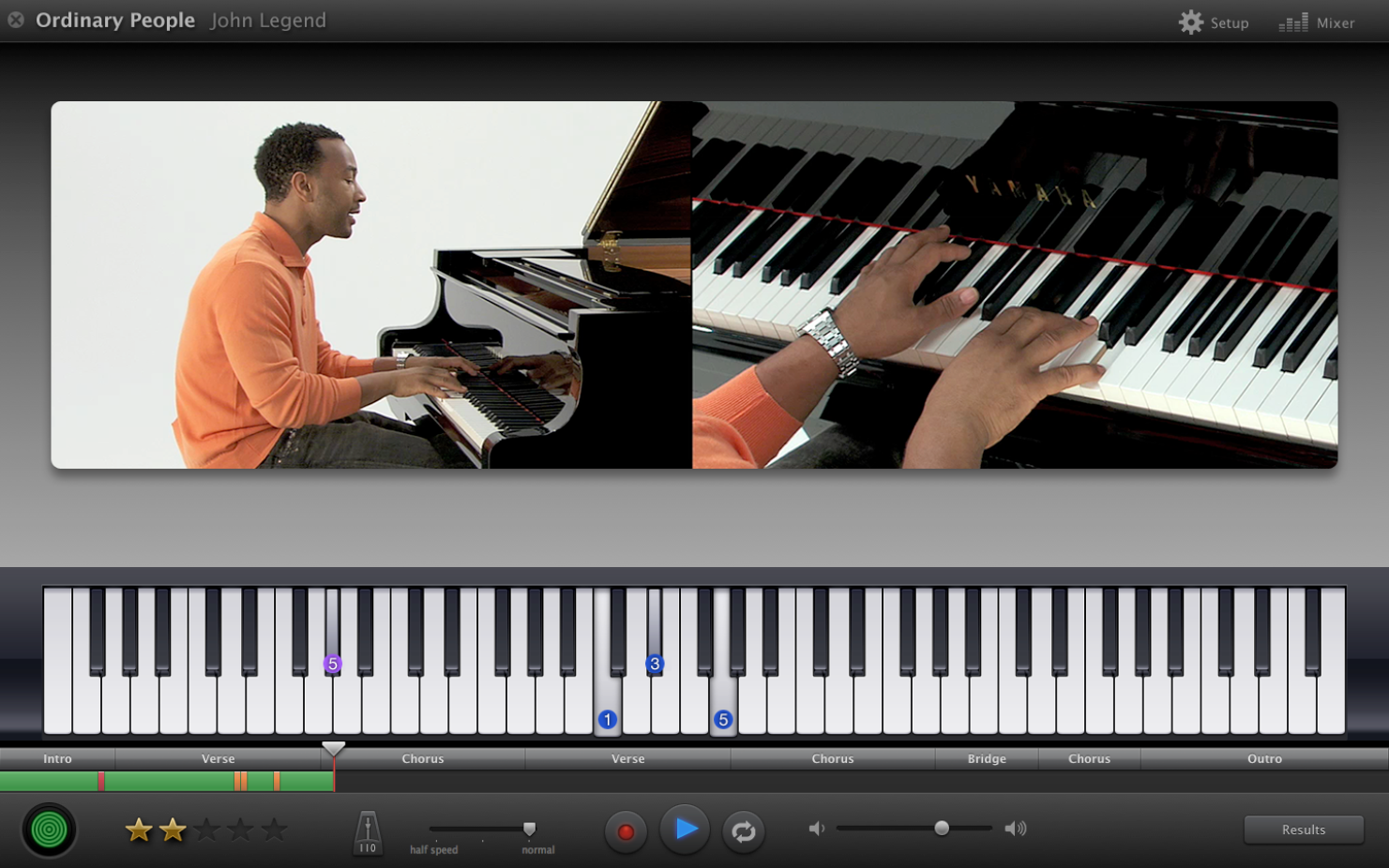
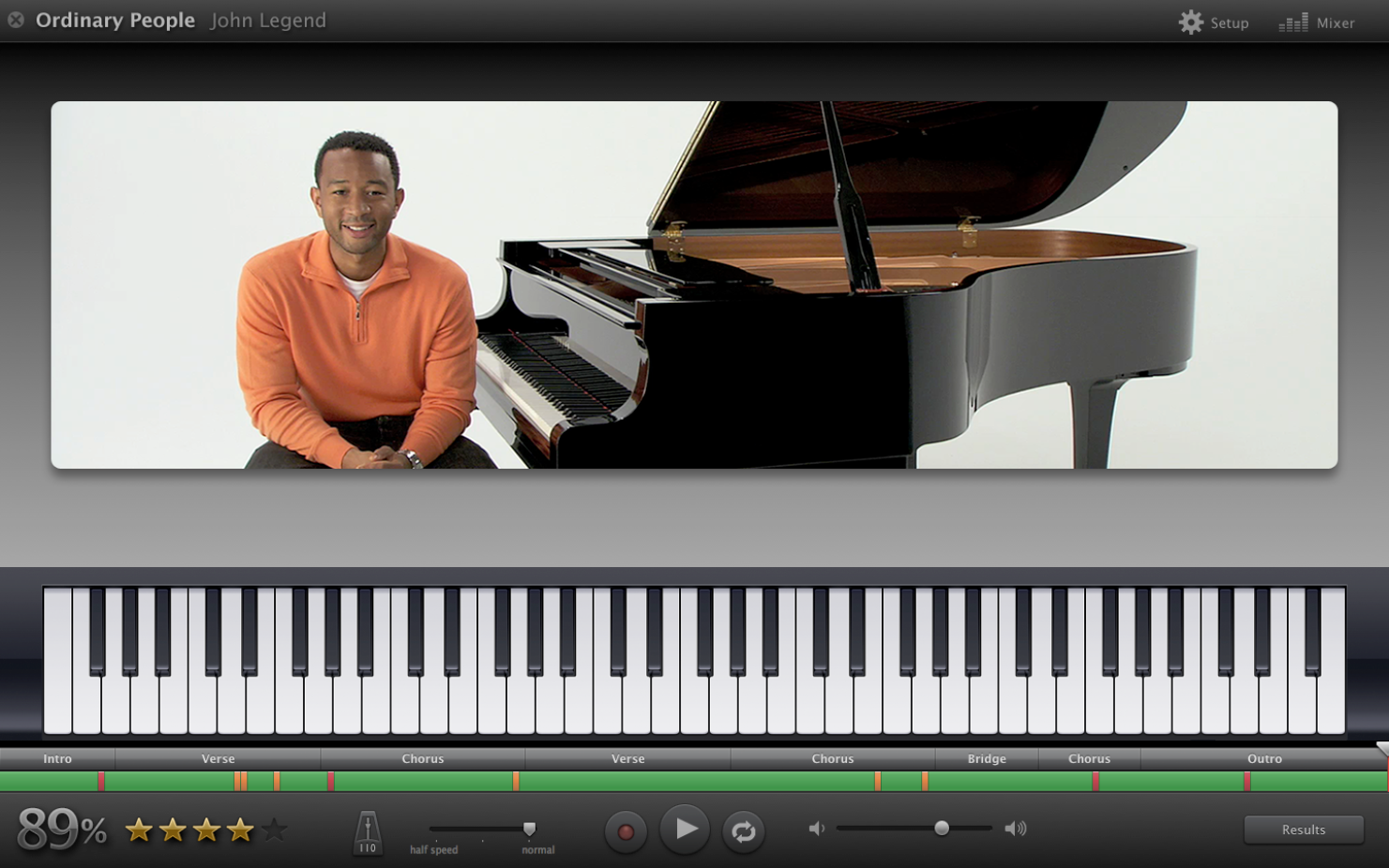
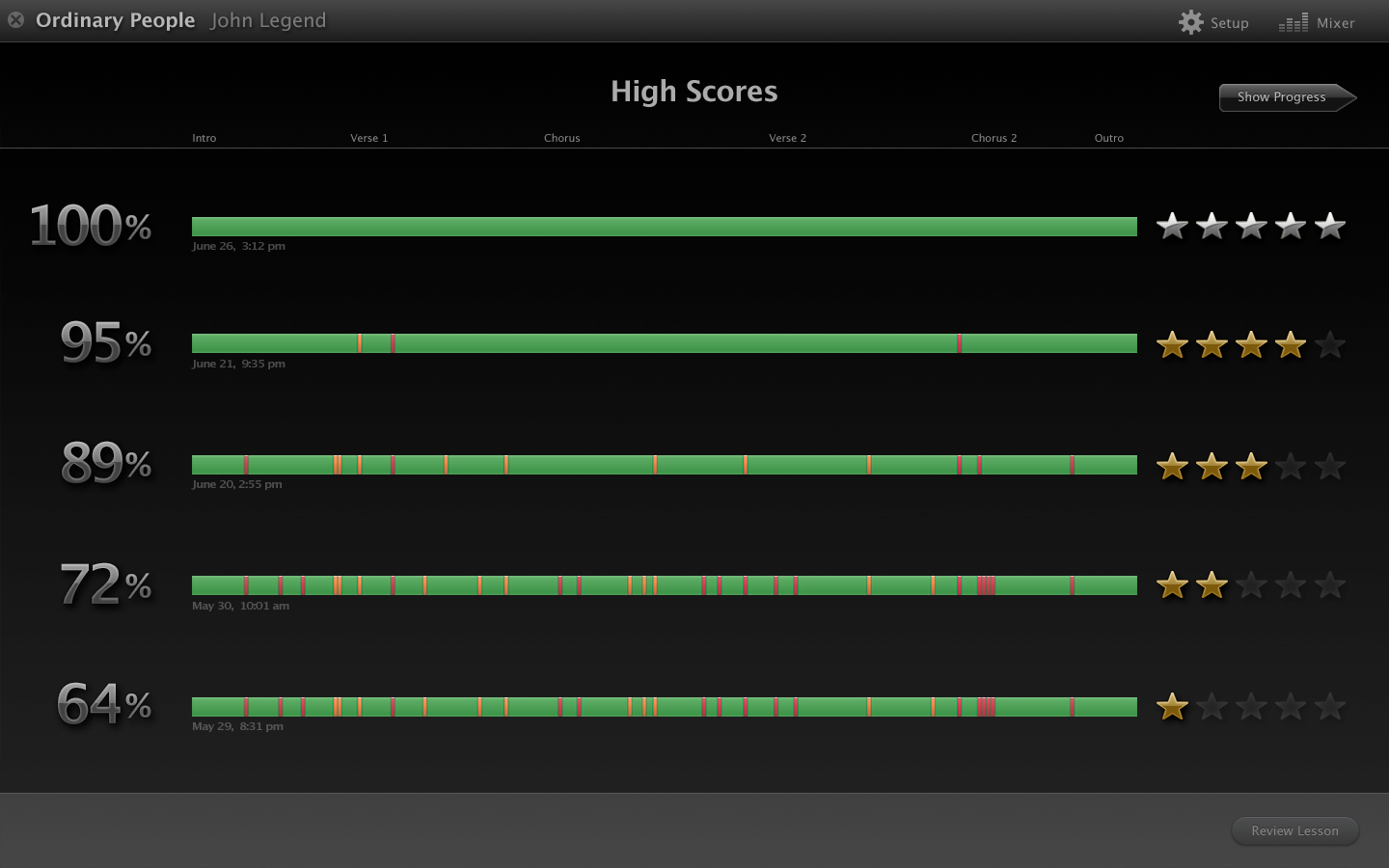
Learn to Play is a cool feature where famous musicians teach users how to play one of their songs, with lessons for both guitar and piano.
Closeup of the guitar neck showing finger placement.
Demonstrating chords.
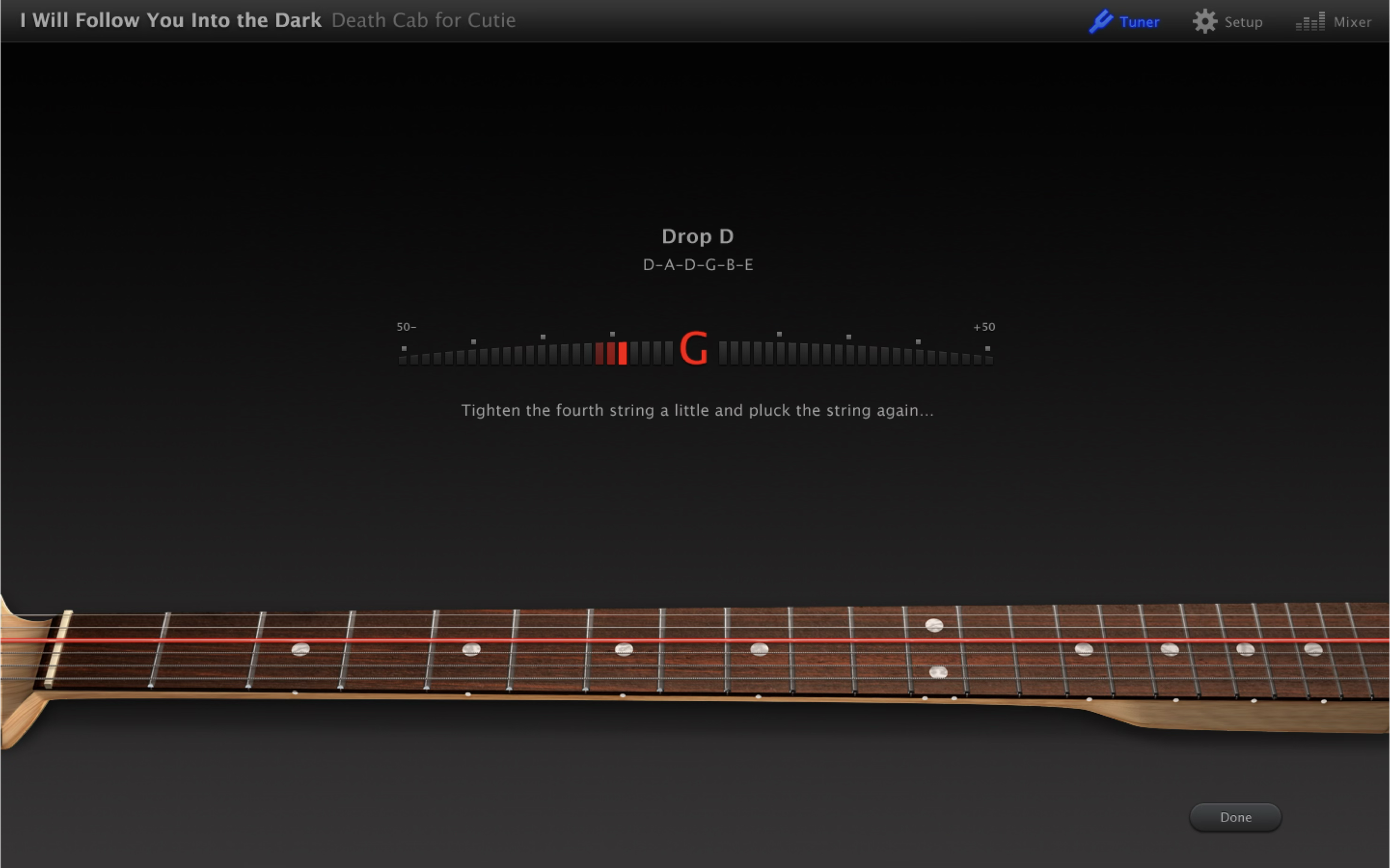
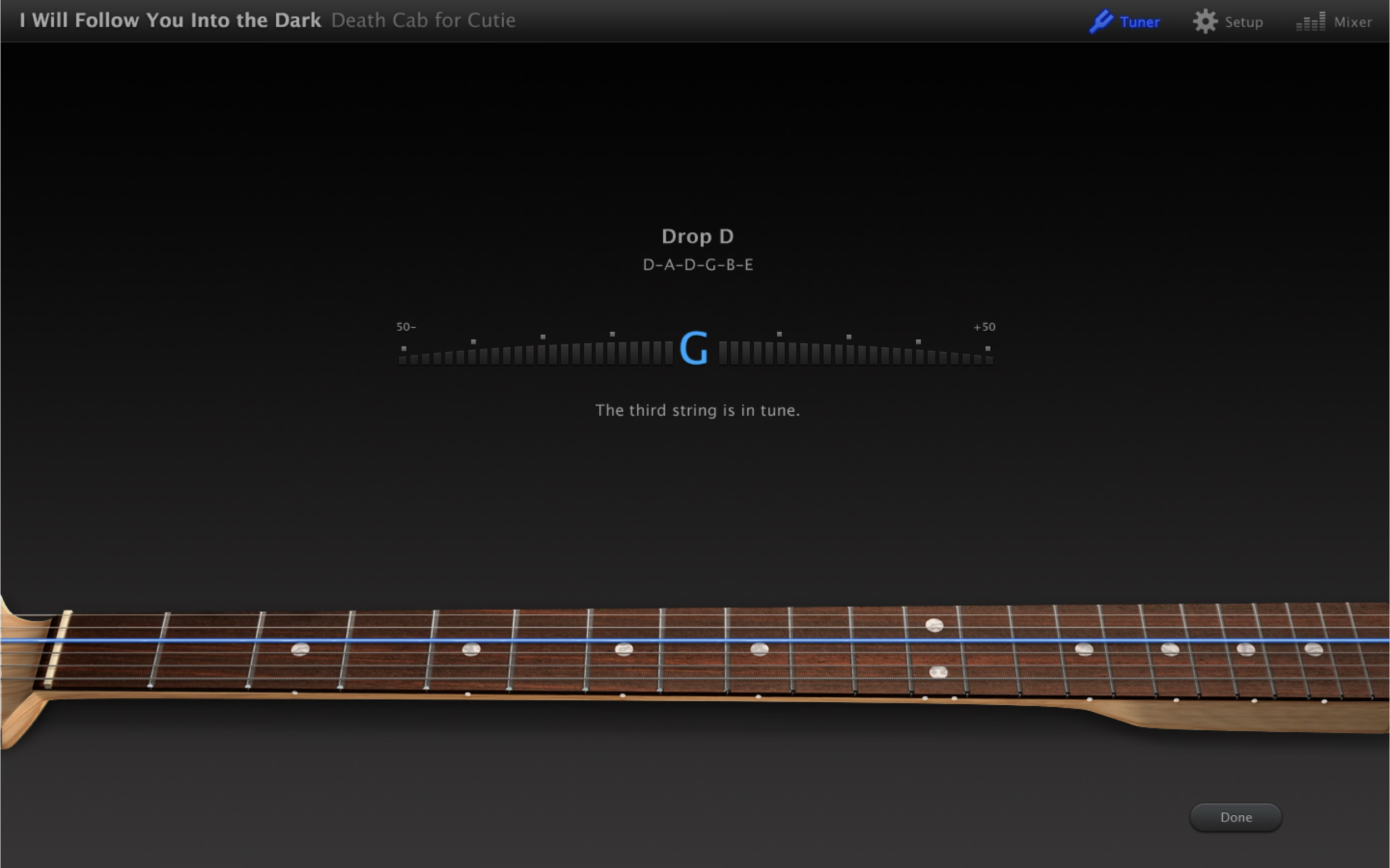
Guitar tuner.
Guitar tuner.
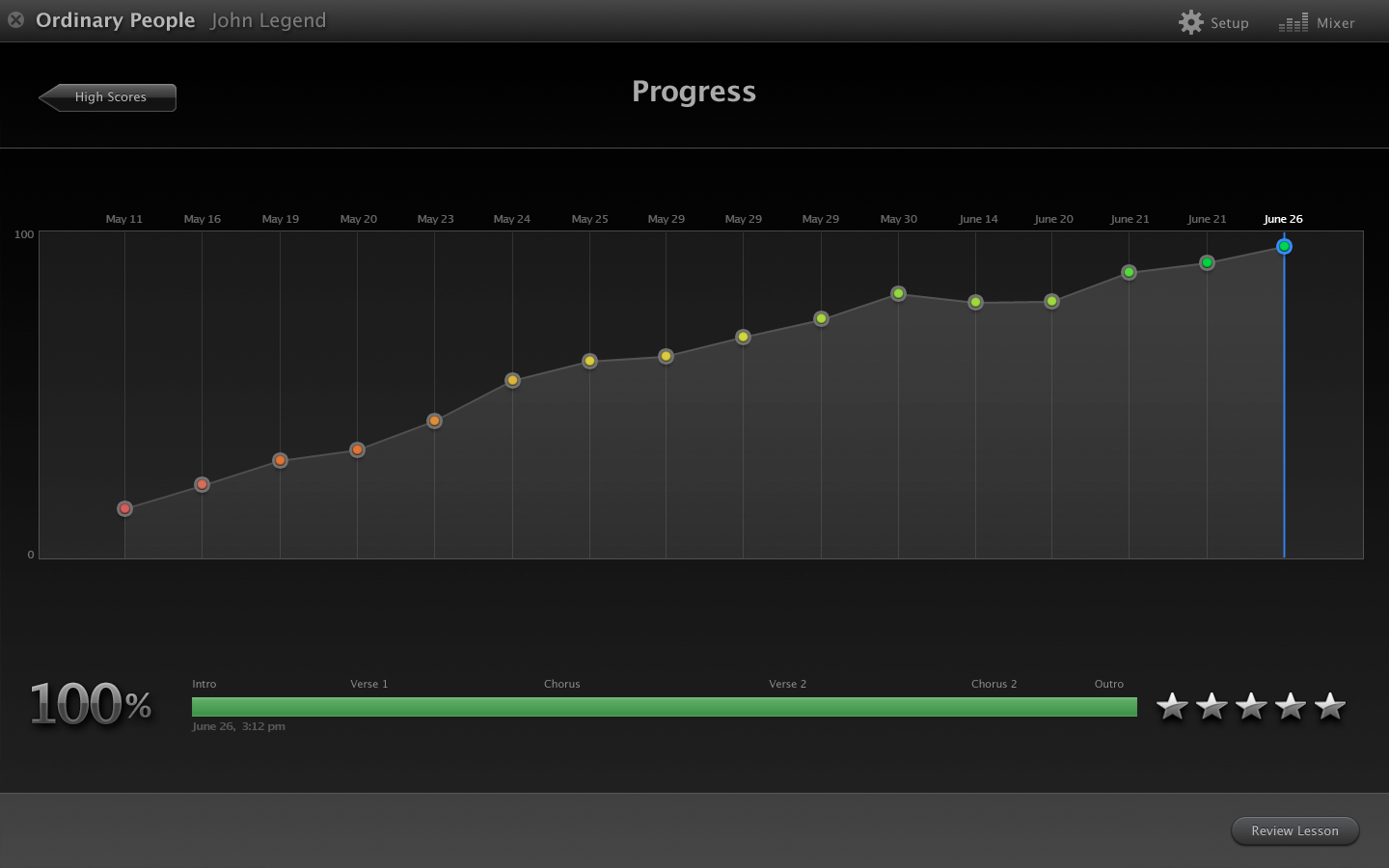
Tracking the user’s mistakes and successes as they play along.
Not even a year after leaving Apple I came back as a contractor to work with one of my favorite Engineering teams. They were preparing to add the first set of international instruments to GarageBand for iPad.
In a nod to the growing Chinese user base, these new instruments were the Erhu, the Pipa, and a set of Classical Chinese percussion instruments. All visuals and materials were painstakingly researched and vetted with Chinese musicians and Chinese musical experts for maximum authenticity.
Everything in this scene was part of a 3D model.
The Pipa. Grandmother of all stringed, guitar-like instruments. Traditionally played by women and passed down to daughters and granddaughters as precious family heirlooms. Our Pipa performer/consultant and I took great care to give ours the right color, age, and wear to resemble what we referred to as “your Grandmother’s Pipa.”
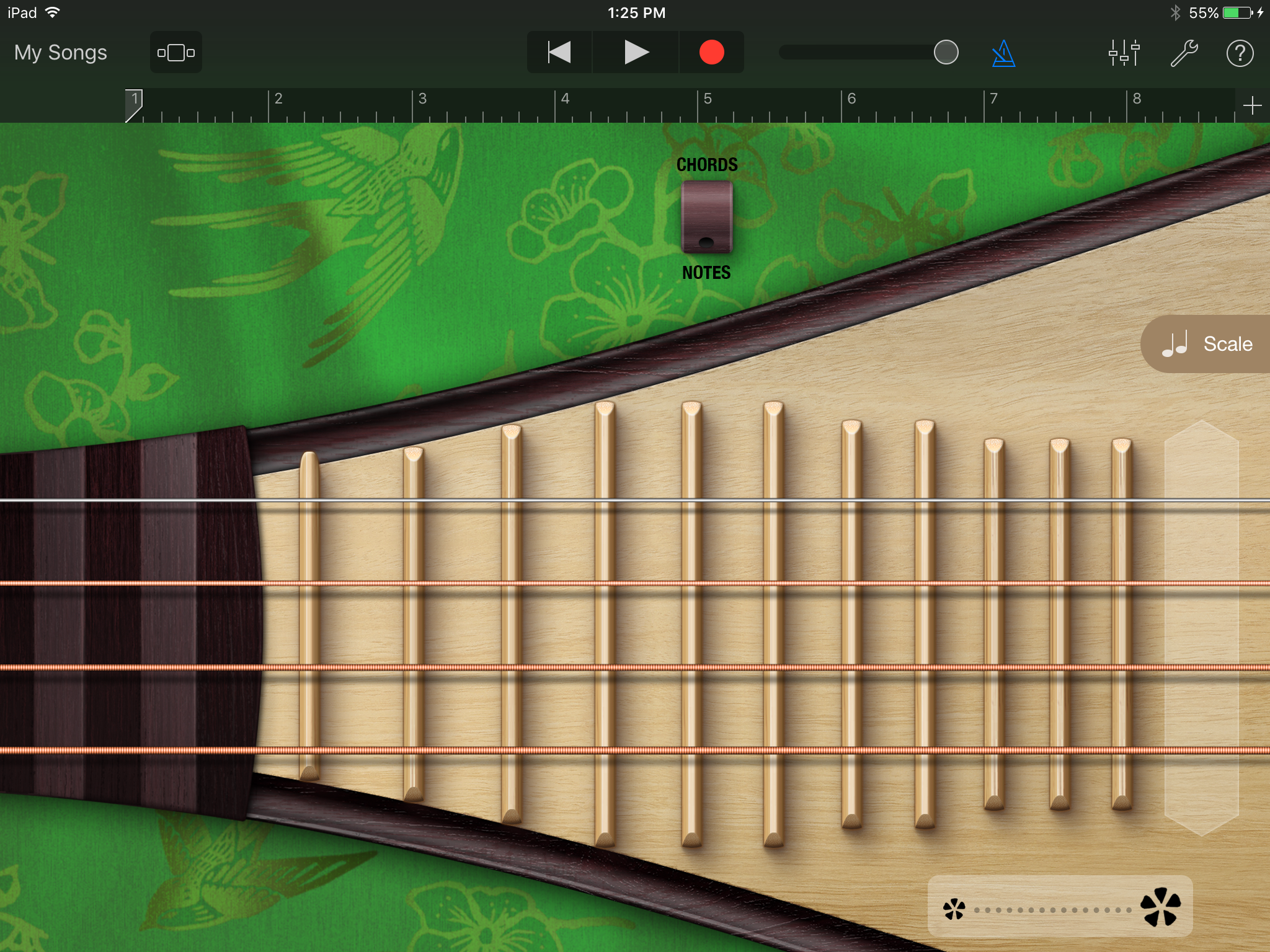
The Pipa in Chords View.
The Pipa in Notes View. Fun detail: when fine-tuning the wood’s appearance, I tried to reflect the fact that California’s climate would have a subtle effect on the Pipa’s surface.
The Pipa needed a background that spoke to its strong association with Springtime. There are many famous Pipa songs about fresh bamboo, singing birds, and the resurgence of new life. When I couldn’t find the right silk design, I created my own from scratch. The green silk fabric is composed of several dozen layers in Photoshop. The pattern comes from two sketches I did of a swallow and cherry blossoms, both symbols of Spring.
The Erhu. Traditionally played by men. Has a beautifully mournful sound.
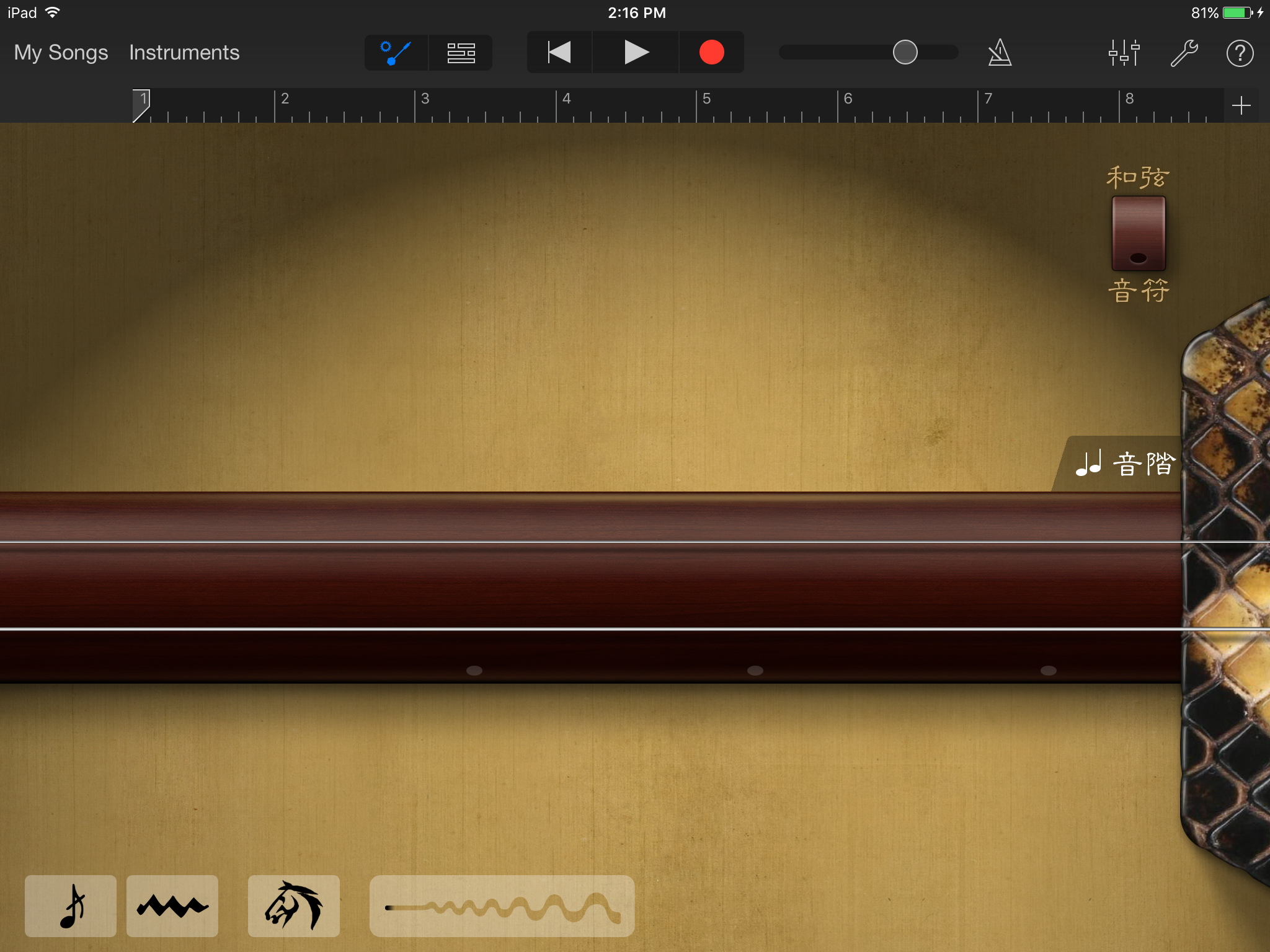
The Erhu in Chords View. Chinese language version. For the background we went with aged and yellowing silk. In Chinese culture yellow is associated with the moon, and the moon and moonlit scenery is a common theme in Erhu songs. The shabbiness of the silk is a nod to the Erhu’s historic connection with street performers.
The Erhu in Notes View. Chinese language version.
After completing the Chinese instruments, I came back once again to work on a set of Taiko drums for GarageBand for iOS. These drums hold a revered and special place in Japanese culture. Great attention was given to the modeling and texture of each individual item in the ensemble.
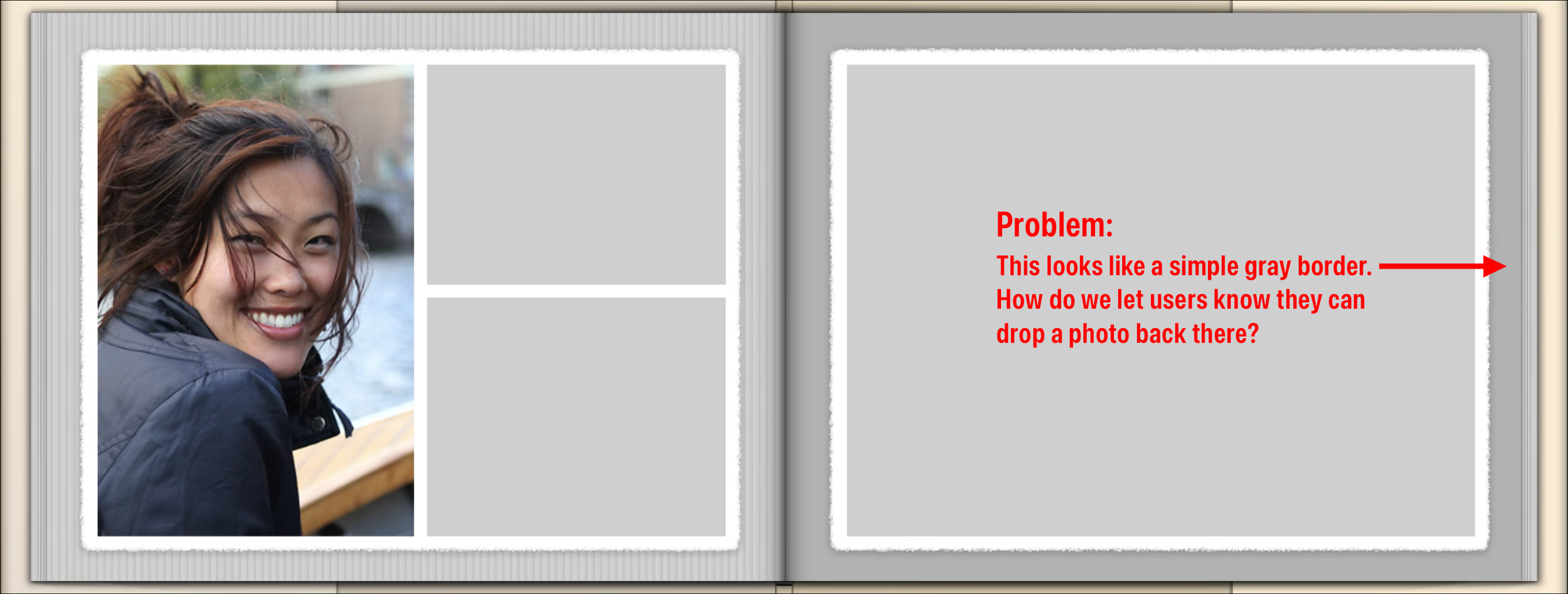
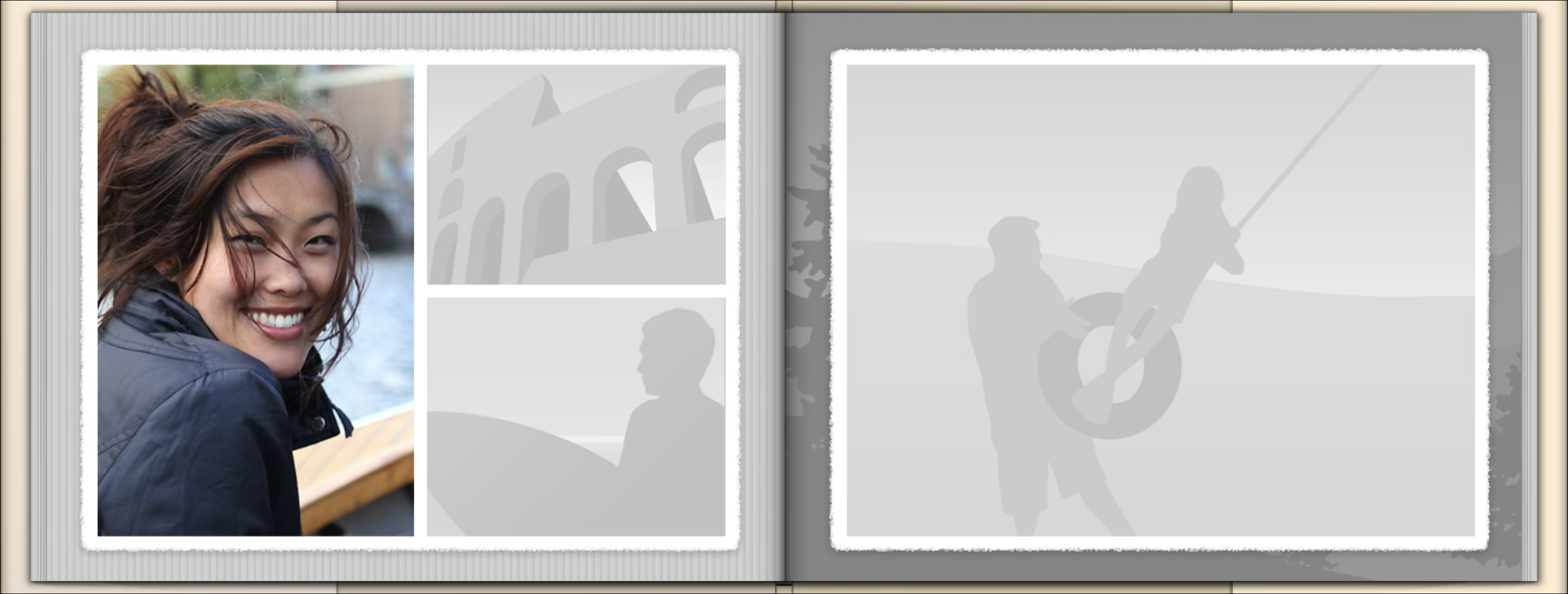
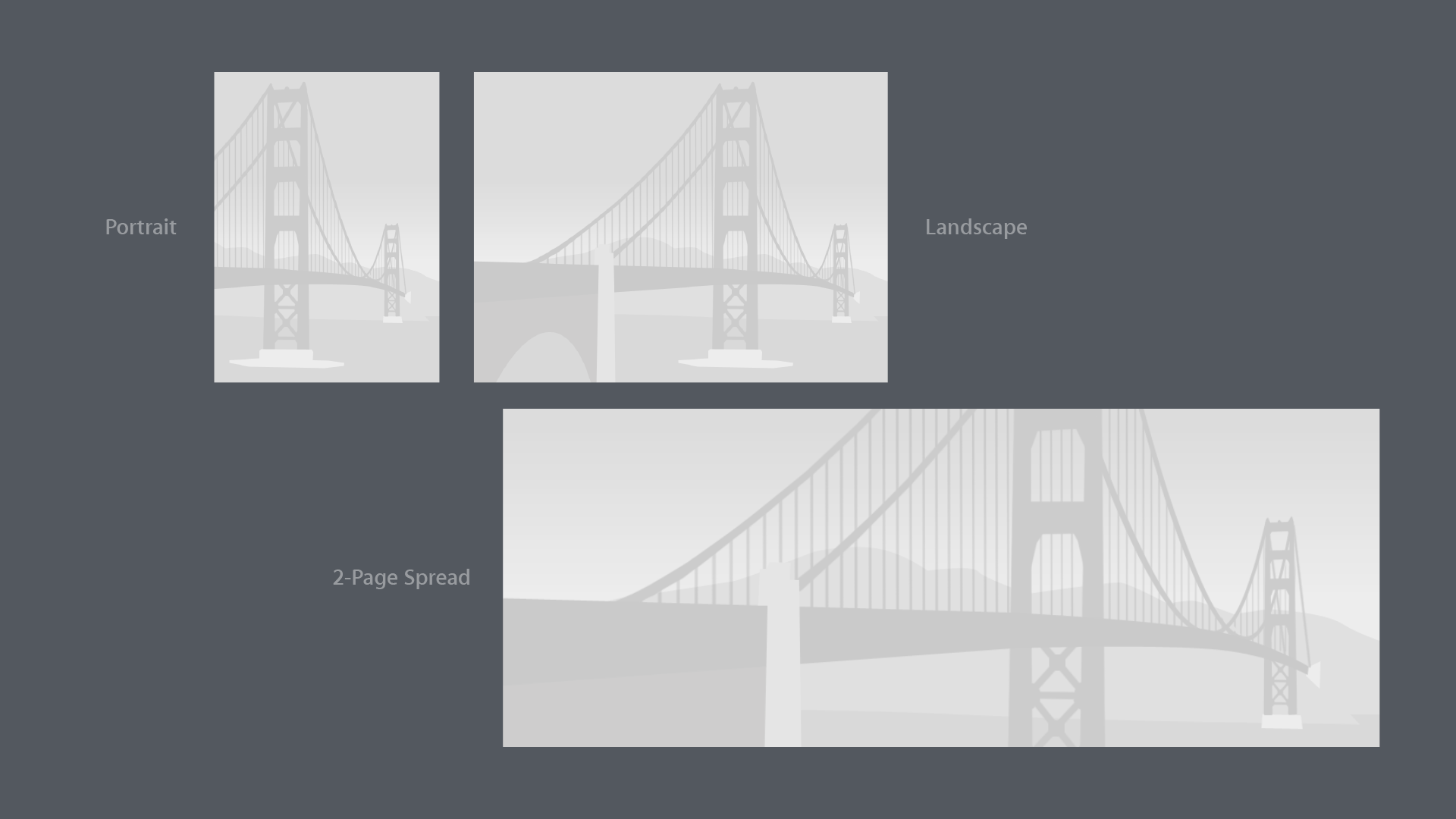
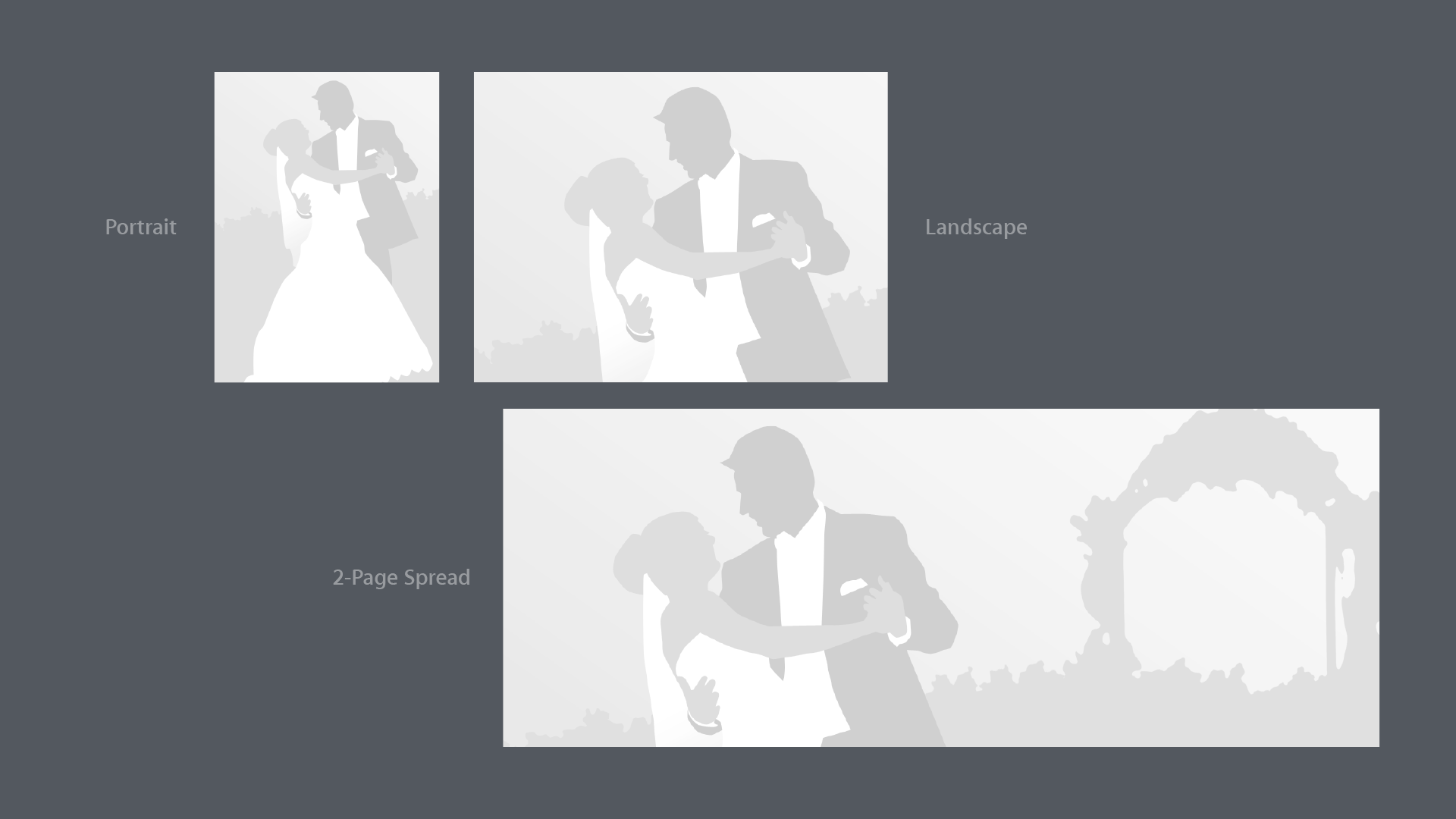
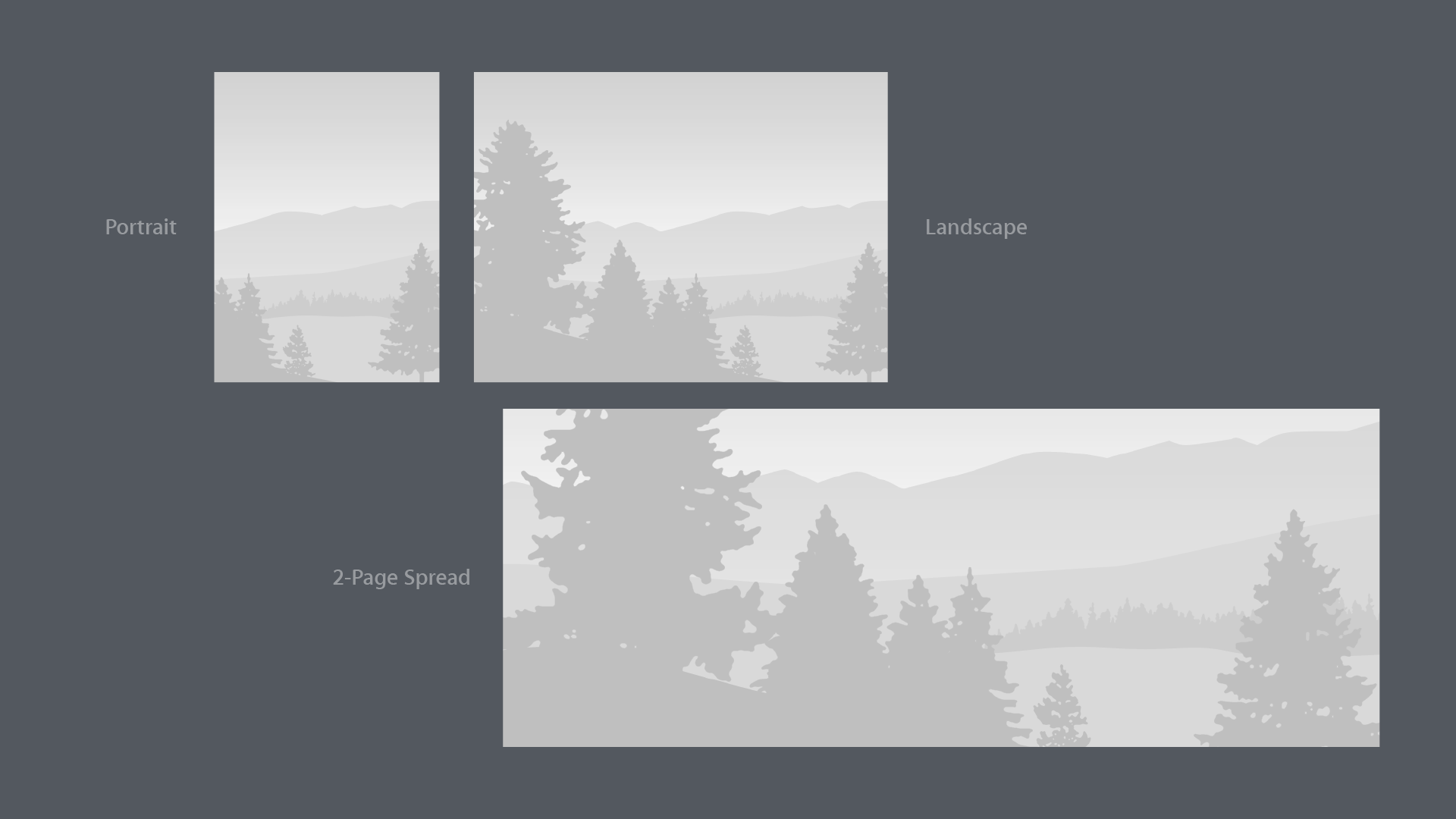
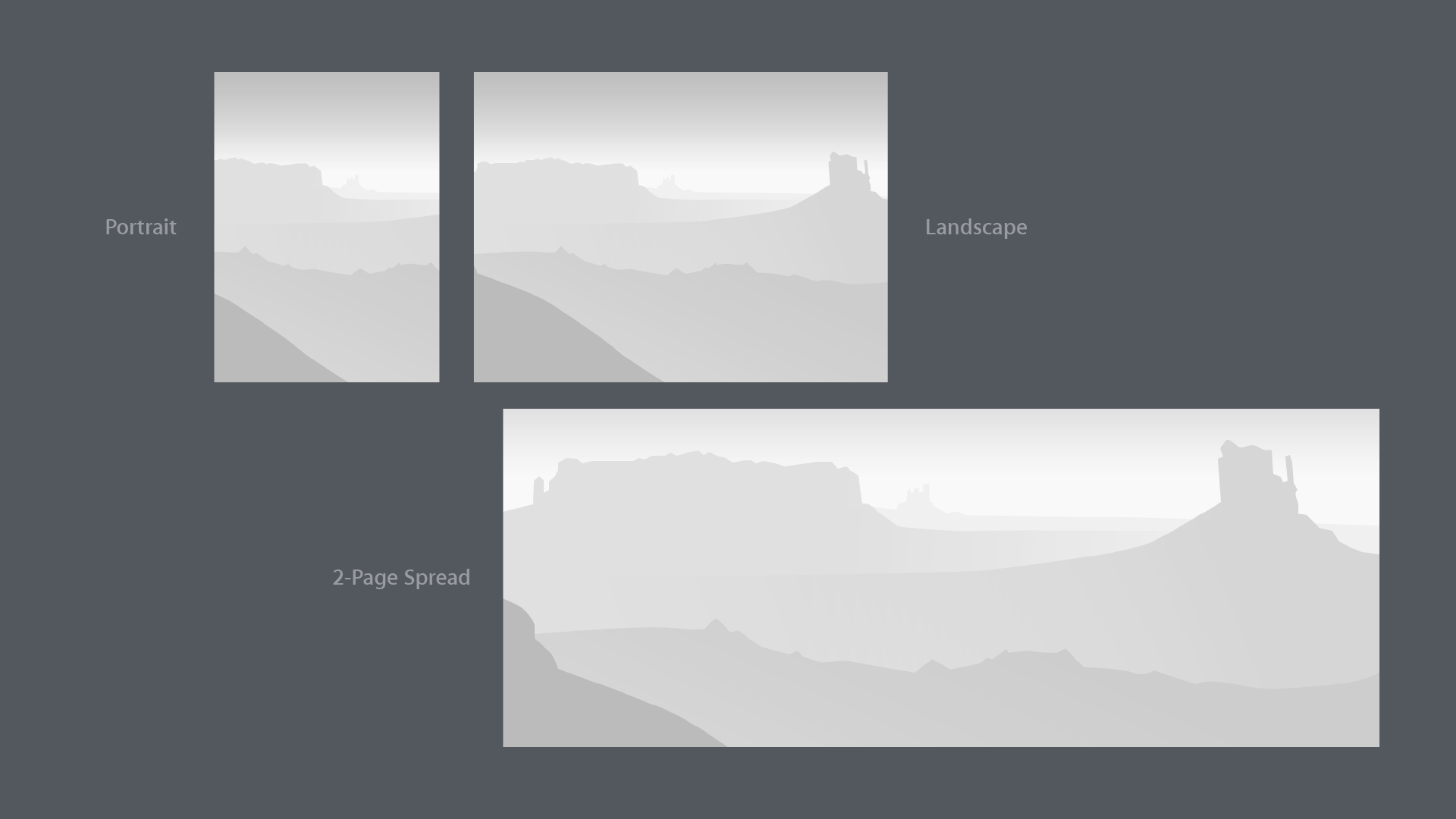
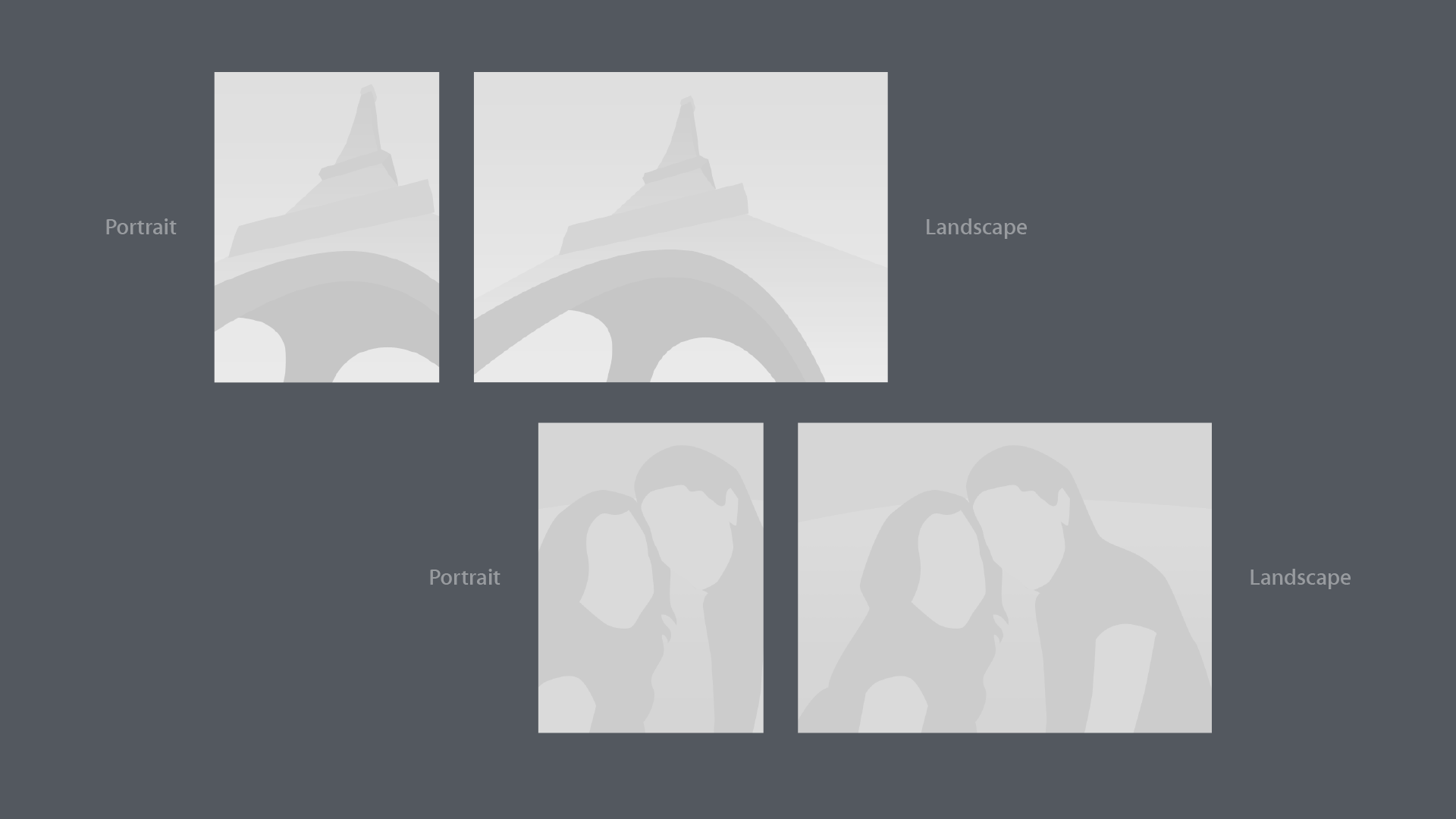
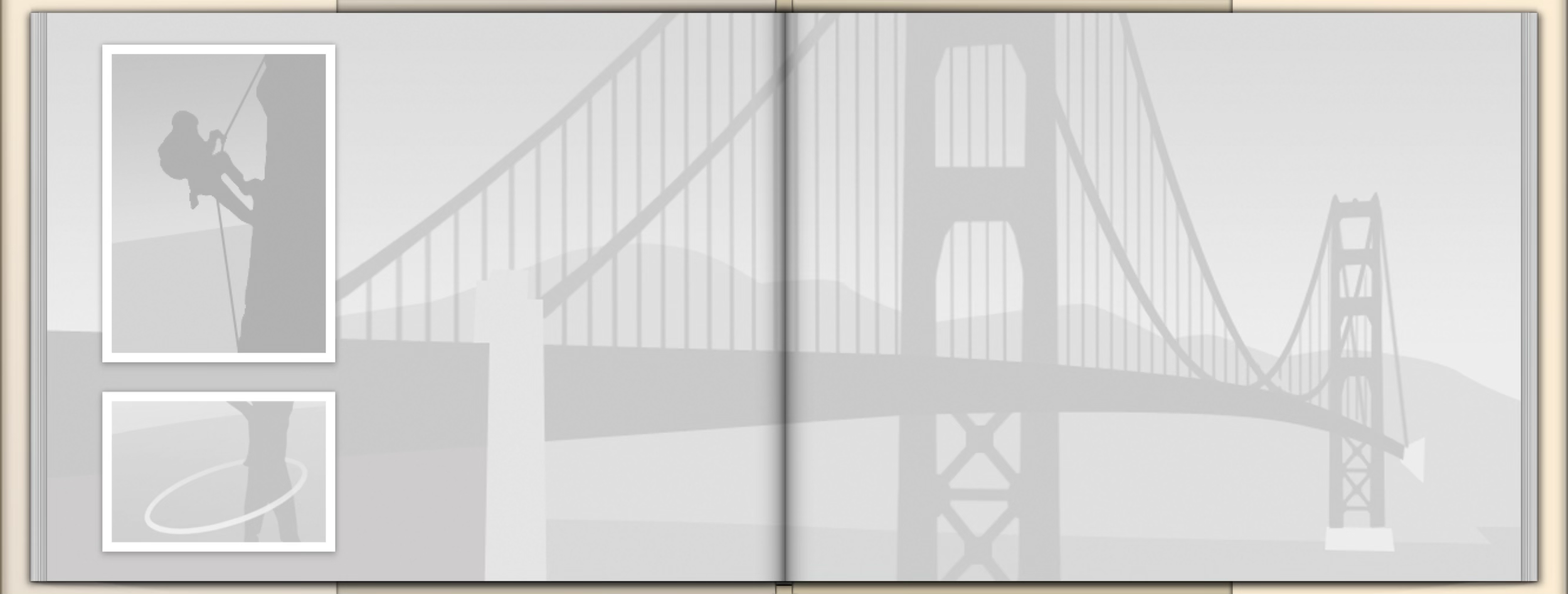
Subtle, grayscale images provide just enough of a hint as to what’s going on.
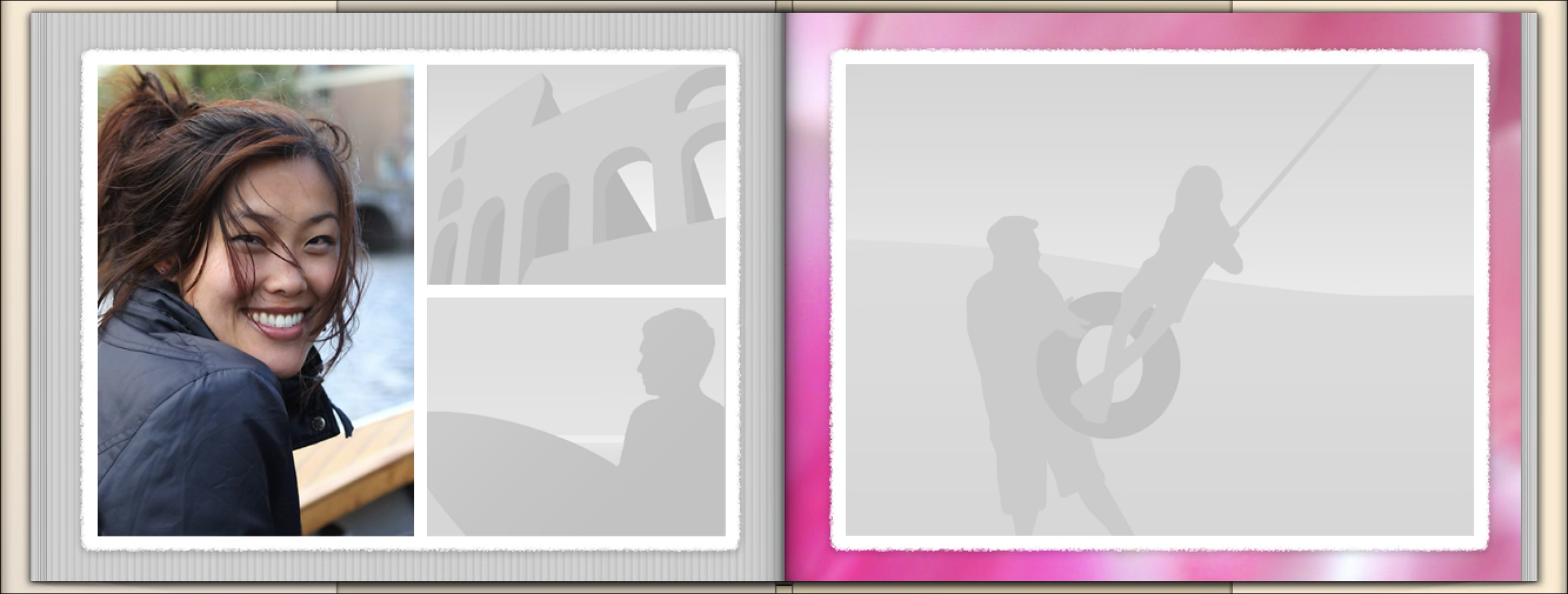
The user’s fun, photographic border.
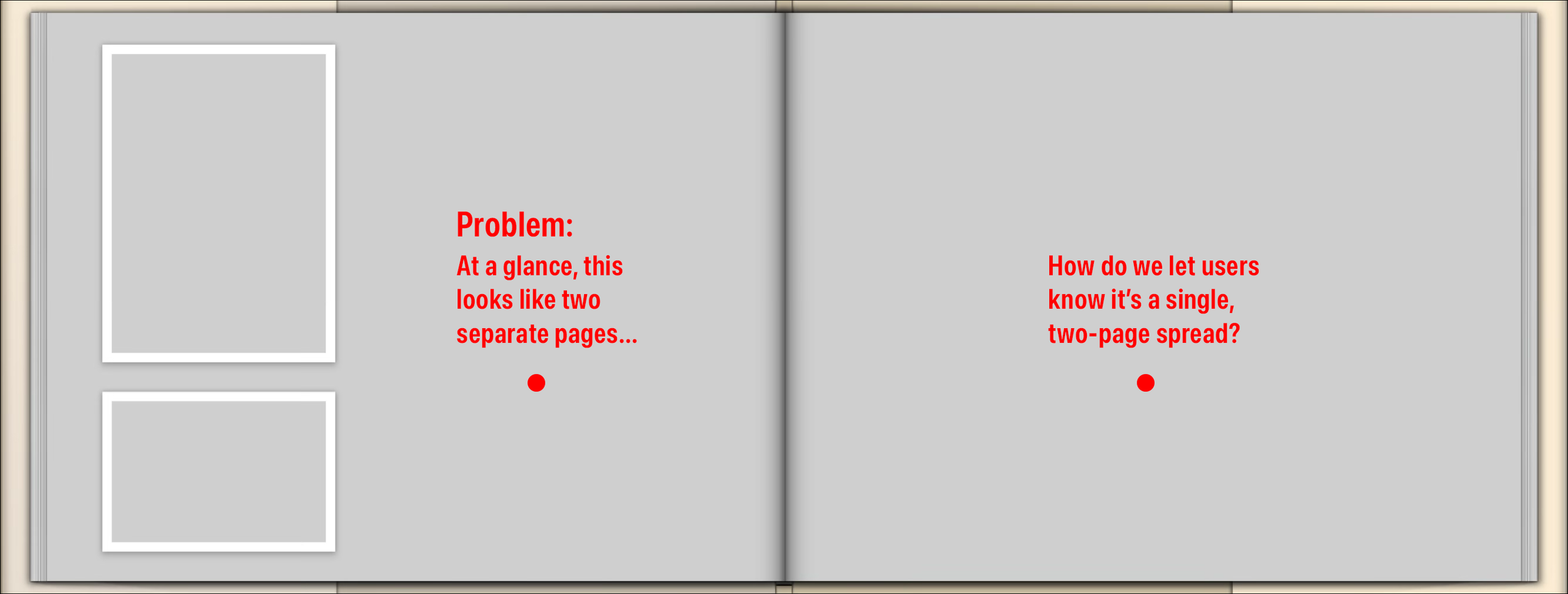
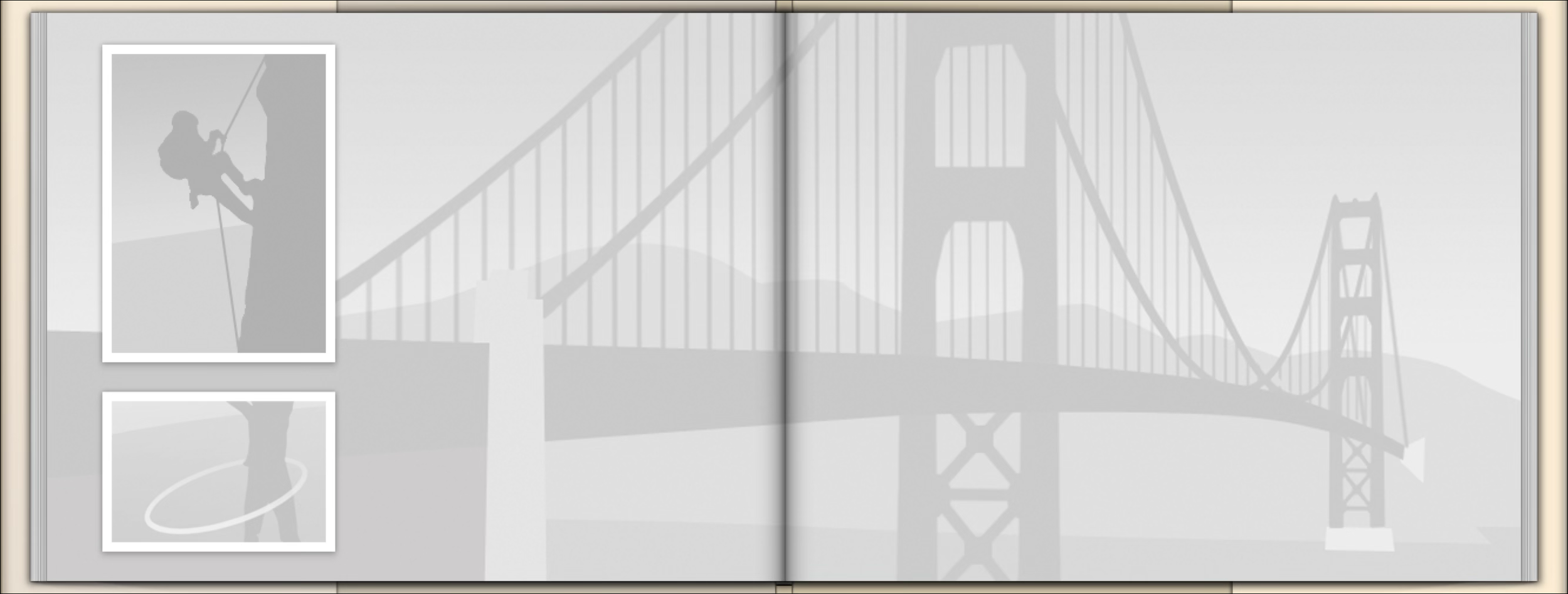
“Will this give me two photos facing each other on separate pages, or will it spread one photo across two pages?”
Now the user can see what to expect.
Sample placeholders.
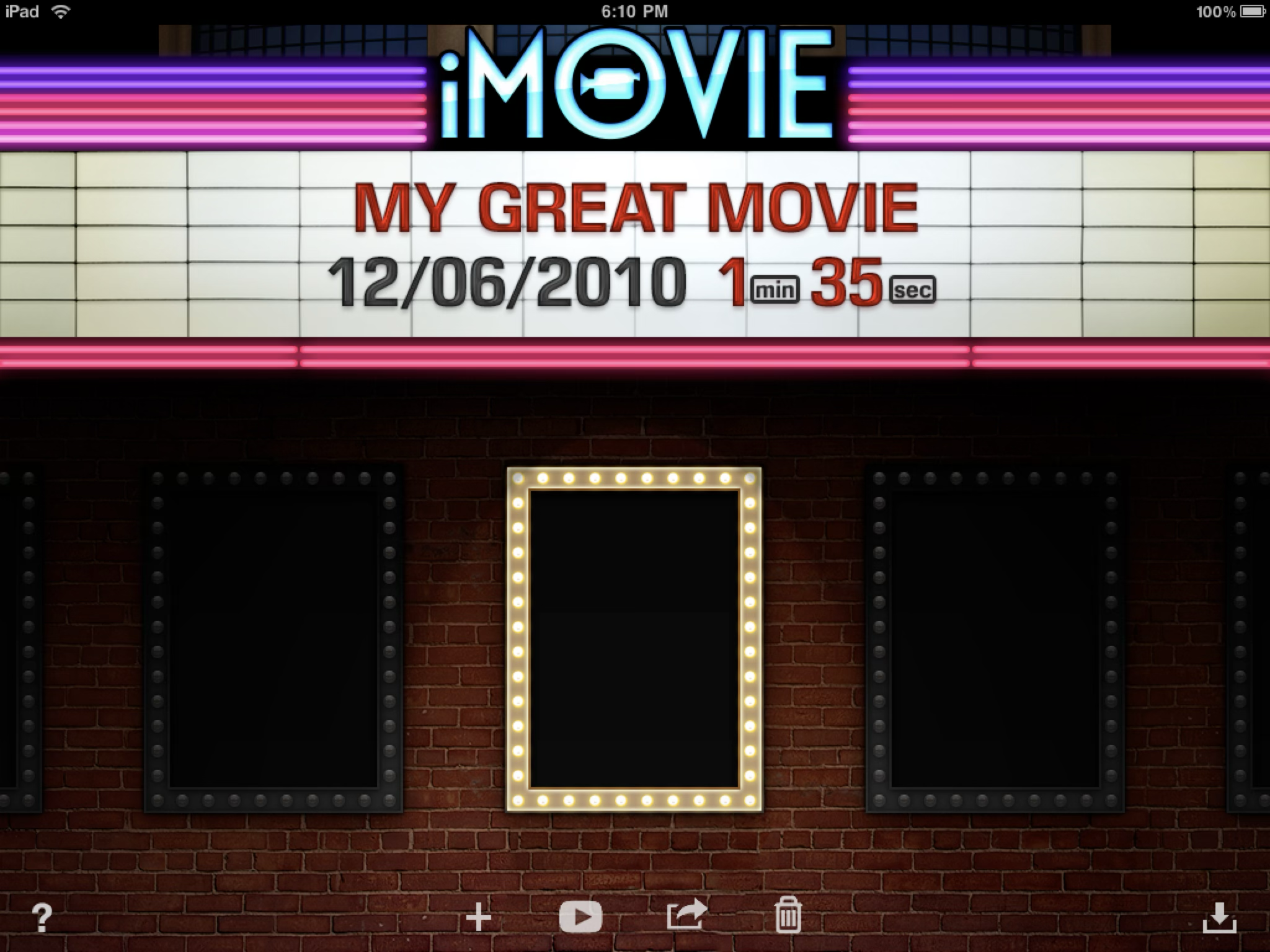
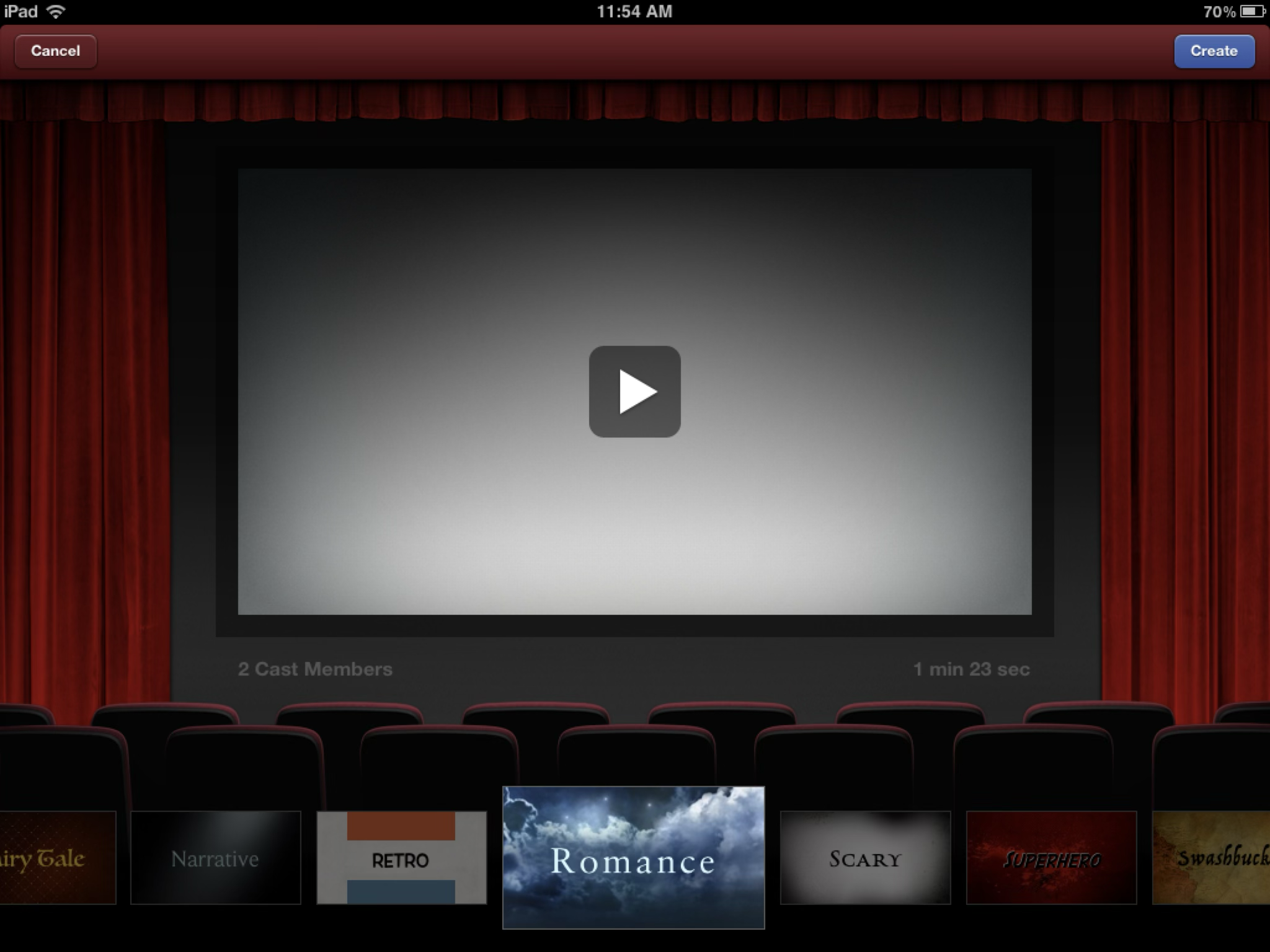
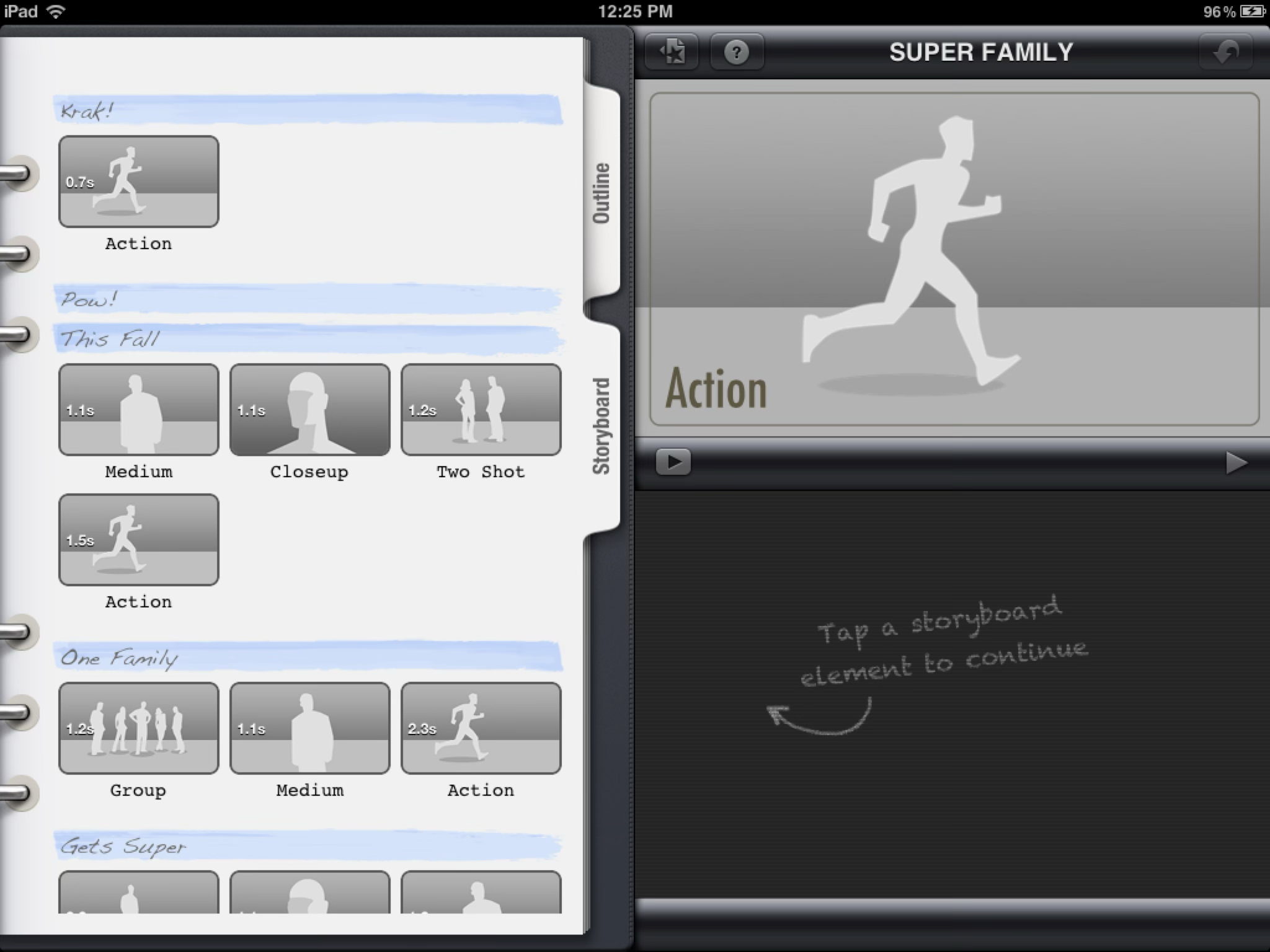
The original iPad version of the app presented itself as a full-on movie marquee.
The rings and tabs gave this screen a serious and professional feeling, like the Assistant Director’s production binder.
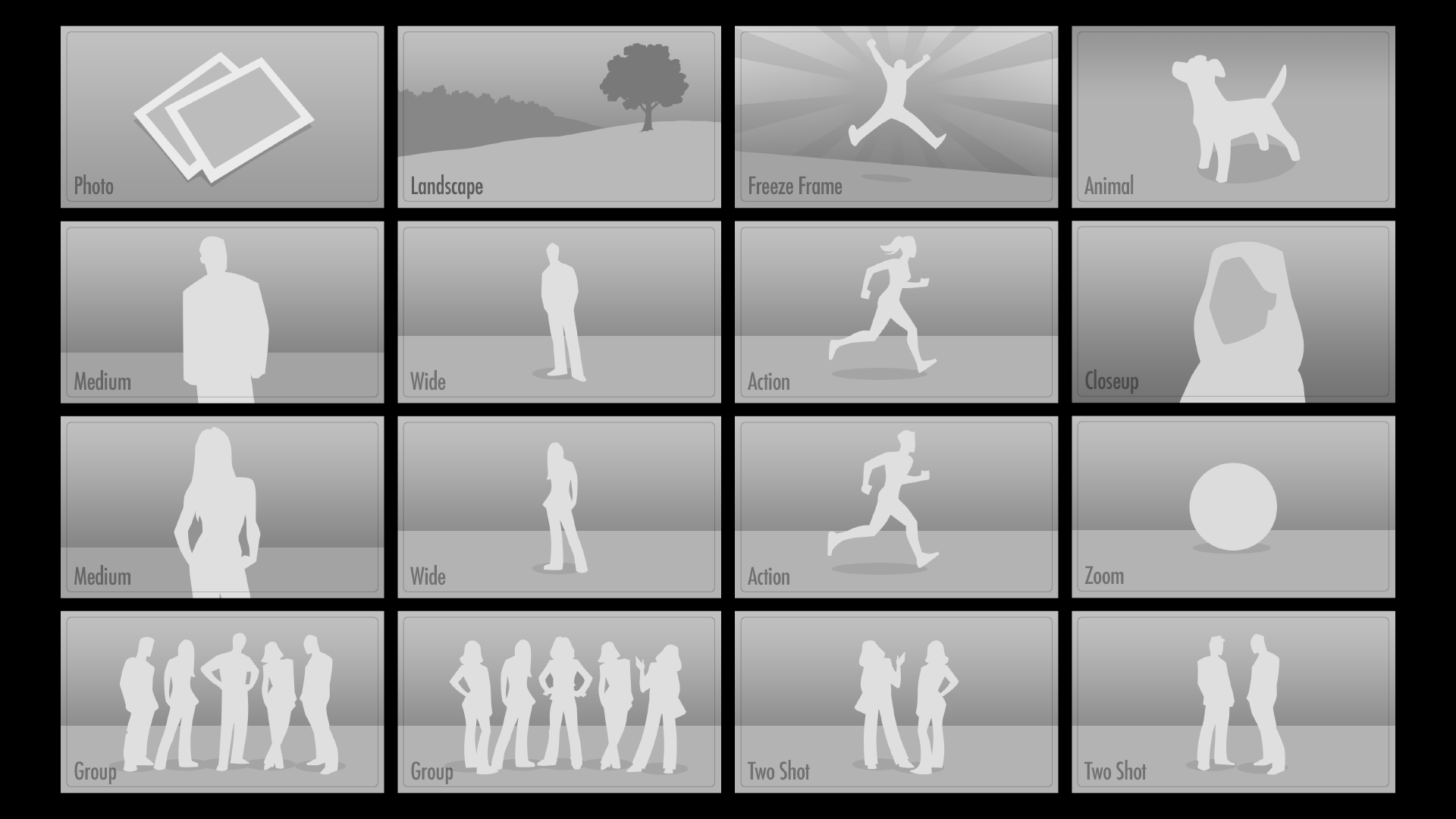
Various storyboard images. Eventually these were adopted into the desktop version of iMovie as moving animatics.
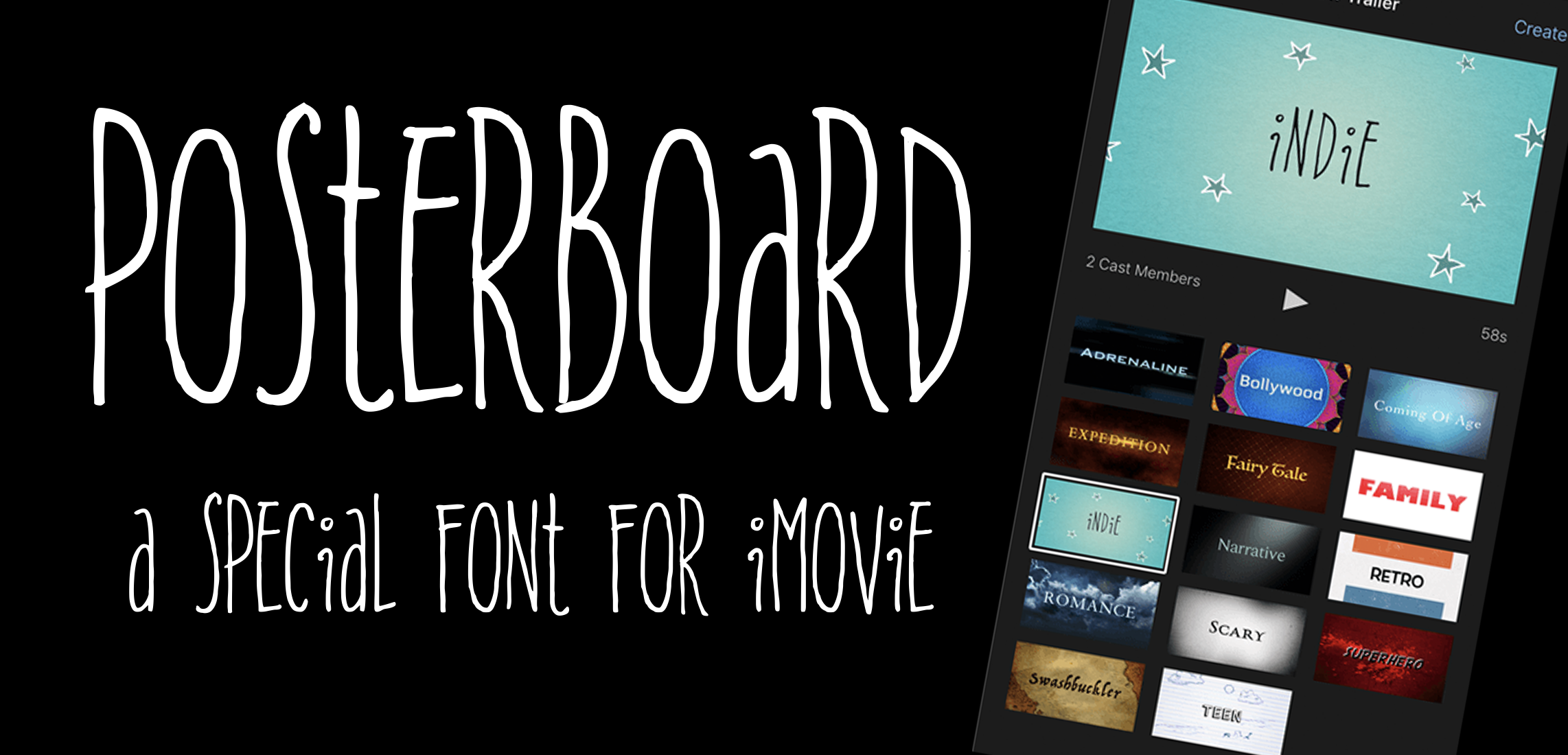
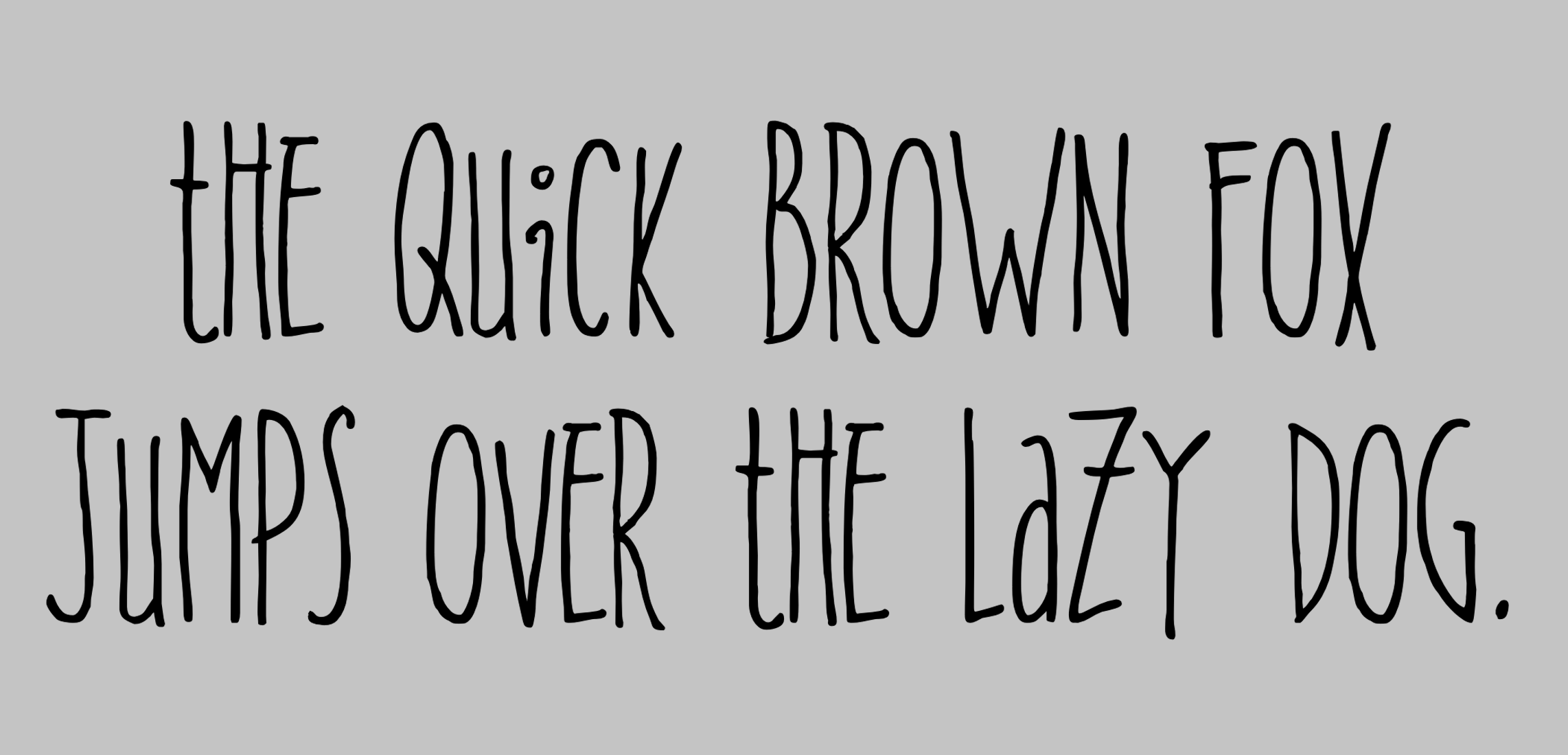
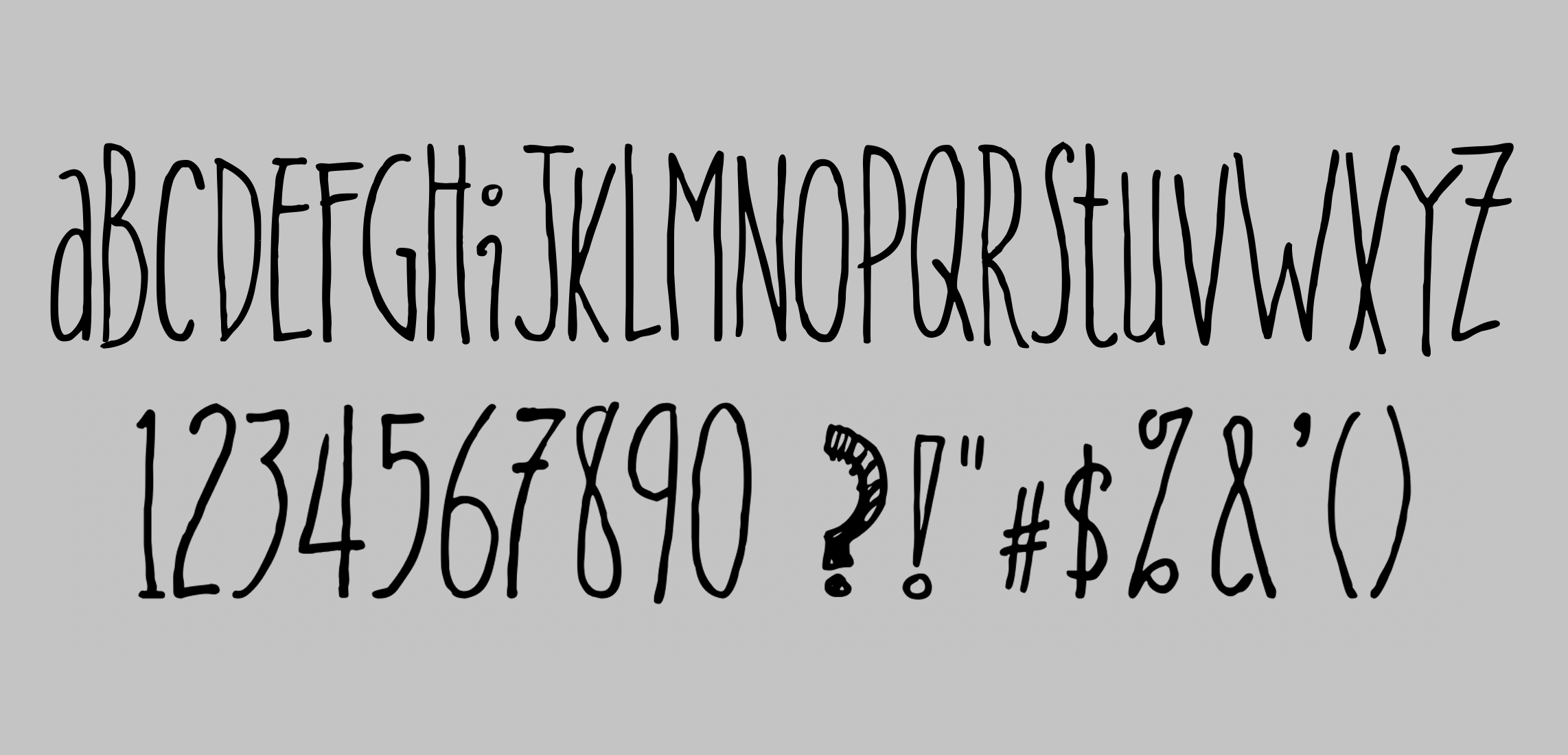
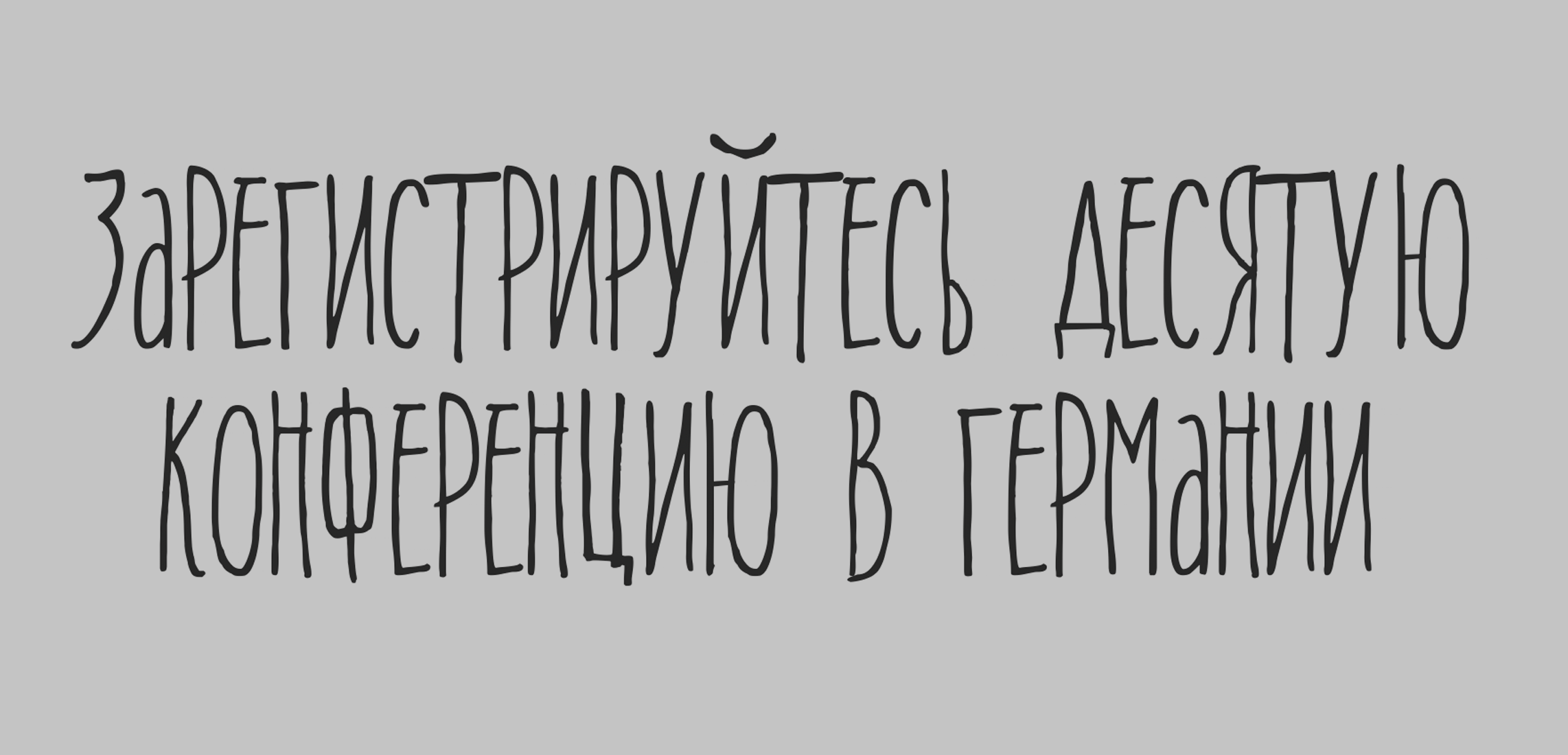
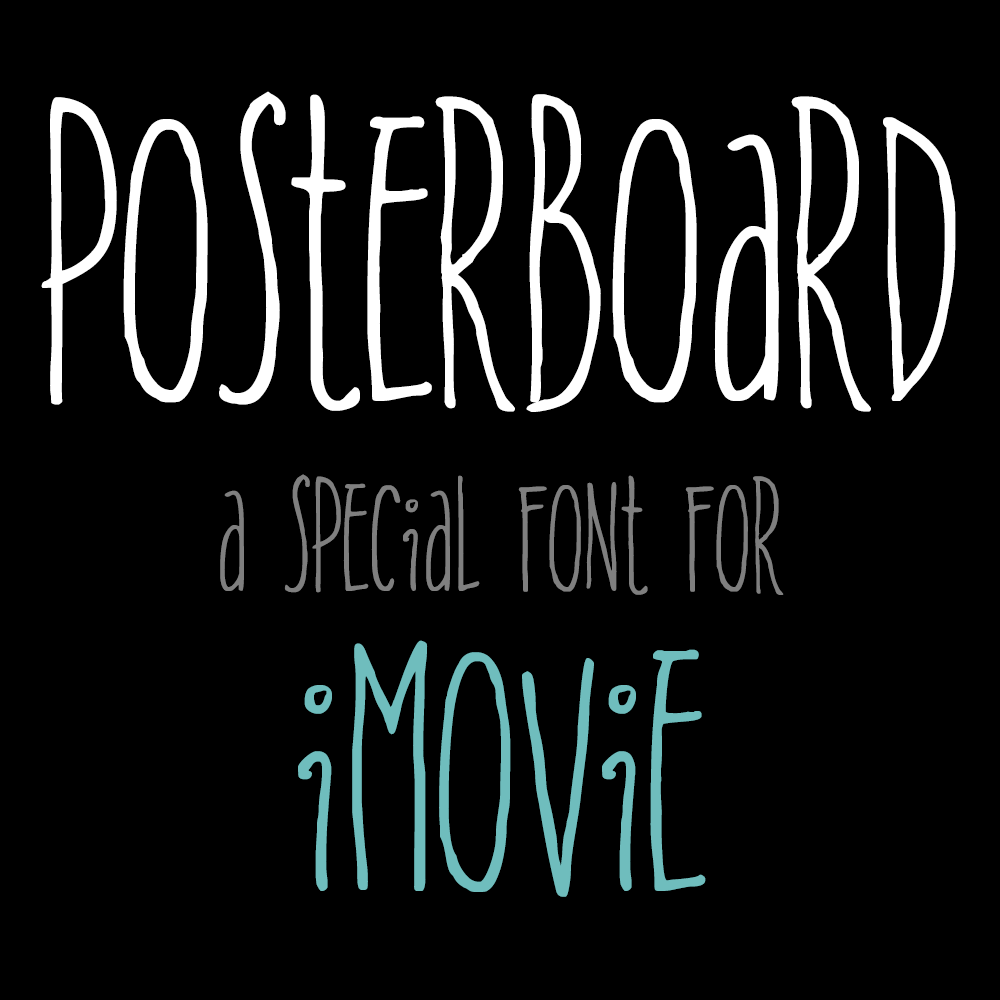
I once had the unique experience of providing the hand-drawn letterforms for a new font to be used in iMovie.
It was supposed to be quirky, artistic, and a little kooky. It had a mix of capital letters with a smattering of lowercase thrown in. Working closely with a font expert, I generated a basic alphabet, then we drilled down on specific characters. I might draw 30 versions of one letter before we were satisfied, or another might only require five or six iterations.
After the letterforms, we did numbers, punctuation, diacritical marks, mathematical symbols, Greek symbols, and Cyrillic.
We. Did. Everything. It was an enormous amount of work, all told, and I loved it!
Posterboard was the font used for the Indie trailer.
In 2017 Facebook released a major update to their old, outdated set of emoji. The new set brought everything in line with the latest Unicode standard, including support for Fitzpatrick Scale skin tone variants. I provided all of the people and body parts, as well as many of the animals.
In 2018 Facebook released a massive update to their previous emoji update. The new version added more depth and detail throughout… an ambitious undertaking in a relatively short amount of time.